Test results
| ID | Test | Expected result | Verified result | Status |
|---|---|---|---|---|
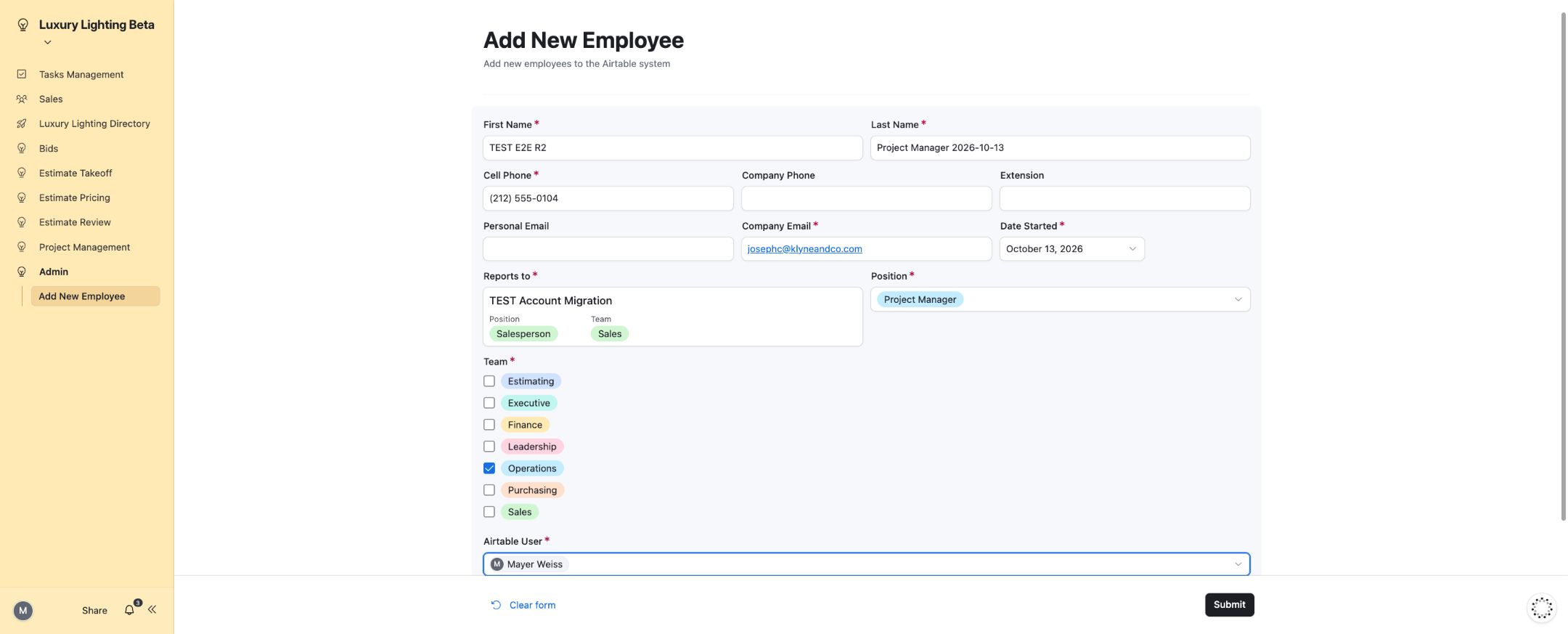
| T01 | Employee setup | Required fields are enforced; a valid employee appears in the directory. | Employee creation, directory search, position, team and Airtable user mapping verified. | PASS |
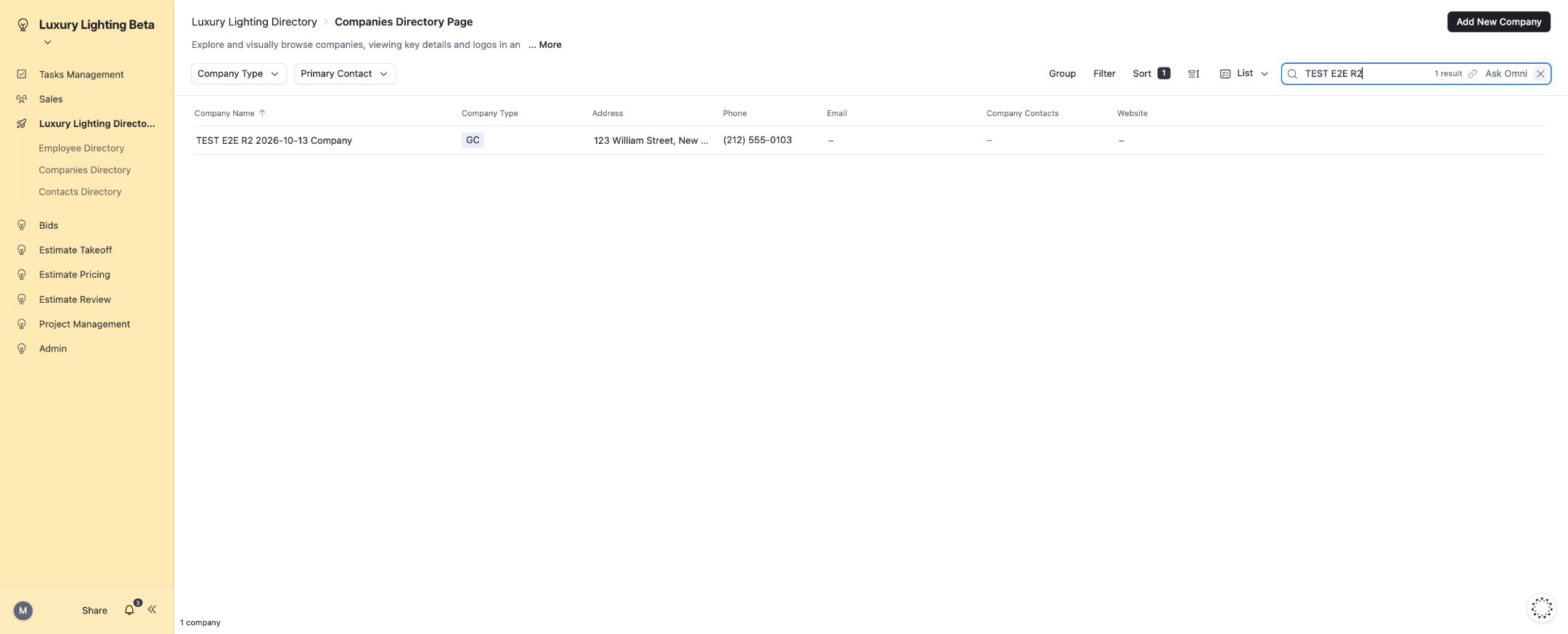
| T02 | Company setup | A company can be created and its details reopened. | Company creation and directory/detail views verified. | PASS |
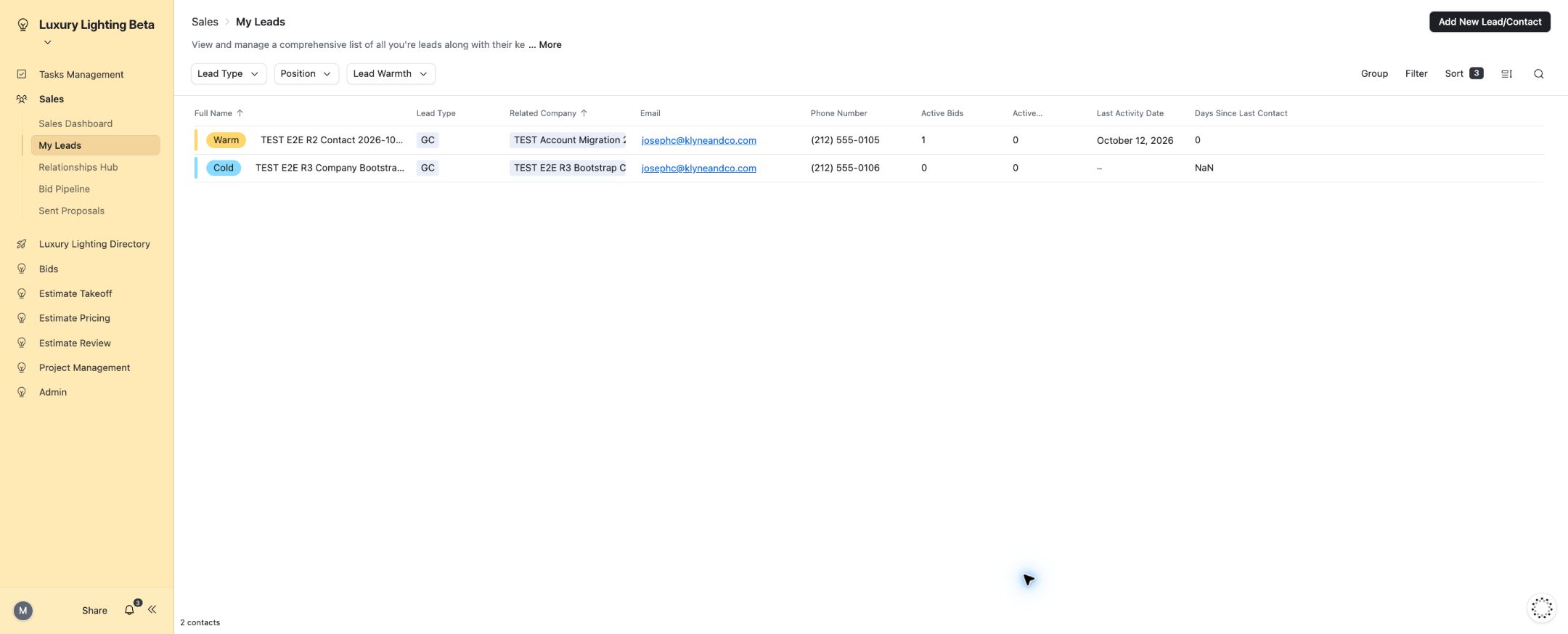
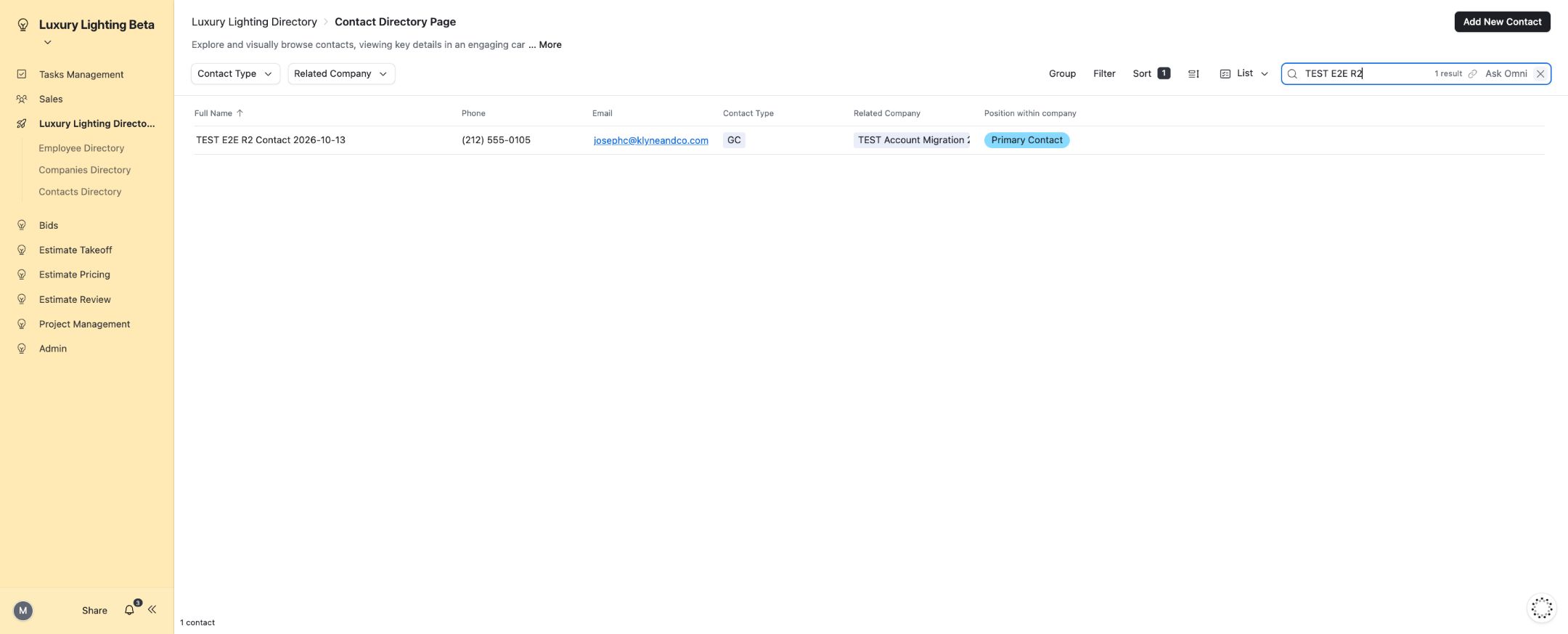
| T03 | Contact and lead creation | A valid contact links to the intended company and salesperson. | Contact creation and the contact form’s Create New Company branch verified; relationship and ownership filtering applied. | PASS |
| T04 | Lead activity | Completed and future interactions persist on the correct lead. | Log Activity, Schedule Activity and activity completion verified. | PASS |
| T05 | Lead snooze controls | Snooze and unsnooze update the lead’s working state. | Both transitions verified in the interface. | PASS |
| T06 | General tasks | A task can be created, assigned and completed. | Task creation and persisted completion verified. | PASS |
| T07 | Contact age display | A lead without completed activity has a valid empty state. | Days Since Last Contact displays a dash for no activity and a numeric value where activity exists. | PASS |
| T08 | Normal bid intake | A valid bid produces the linked estimate and expected team. | Bid0075 and Spec estimate0089 created through Submit New Bid; normalized address and automatic assignments verified. | PASS |
| T09 | SharePoint folders and drawings | The estimate receives working-folder links and the supplied drawing. | The scheduled folder scenario populated all four links and transferred the synthetic drawing. | PASS |
| T10 | Spec workflow | Five configured stages can progress to proposal readiness. | 0089: Takeoff, Takeoff Review, Pricing, Pricing Review and Proposal Creation completed through published controls; Proposal Ready to Send. | PASS |
| T11 | Takeoff review rejection | Rejection with notes records the outcome and creates the correction attempt. | 0087: rejection, notes, confirmation, downstream handling and rework verified. | PASS |
| T12 | Pricing review rejection | Pricing review can reject and restart the correction cycle. | 0087: rejection, required notes, confirmation and the next attempt verified. | PASS |
| T13 | Manufacturer pricing and RFQ navigation | Pricing requests stay attached to the selected estimate. | Manufacturer entry and the estimate-specific RFQ link verified on0086. | PASS |
| T14 | RFQ email delivery | The processed request reaches the recipient with readable files. | RFQ0009/0086: Make execution, mailbox receipt, drawing/takeoff attachments and email thread verified. | PASS |
| T15 | RFQ response tracking | A received quotation can be tracked through completion. | Manual follow-up date, Received RFQ and Mark Complete verified. | PASS |
| T16 | Spec proposal delivery | The final proposal reaches the recipient and sending is recorded. | 0089: SharePoint PDF, Proposal Uploaded confirmation, Make execution, Proposal Sent and matching readable mailbox attachment verified. | PASS |
| T17 | Proposal attachment handling | The proposal email can carry its main PDF and optional attachment. | 0086: main and optional attachments received and opened readably. | PASS |
| T18 | Count workflow | Client Count Yes selects the three-stage Count path. | 0090: Pricing → Pricing Review → Proposal Creation completed; no Takeoff stages; Proposal Ready to Send. | PASS |
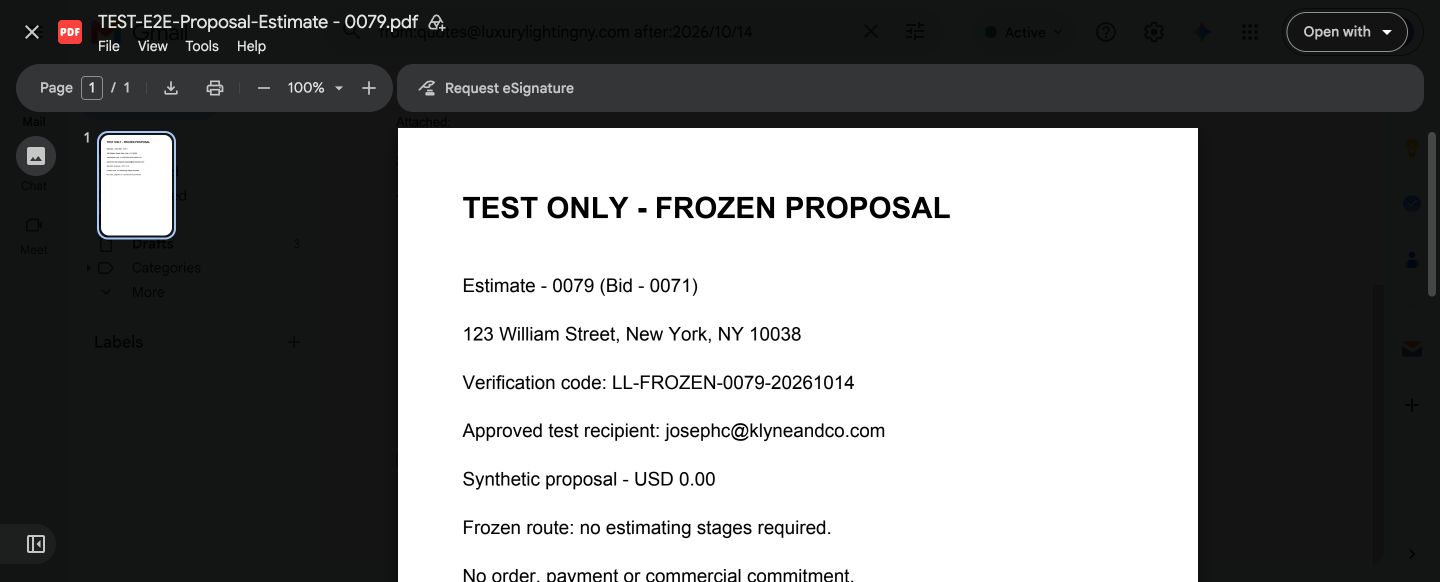
| T19 | Frozen proposal workflow | A frozen estimate can send a proposal without normal stage records. | 0079: proposal sent and matching readable PDF received. | PASS |
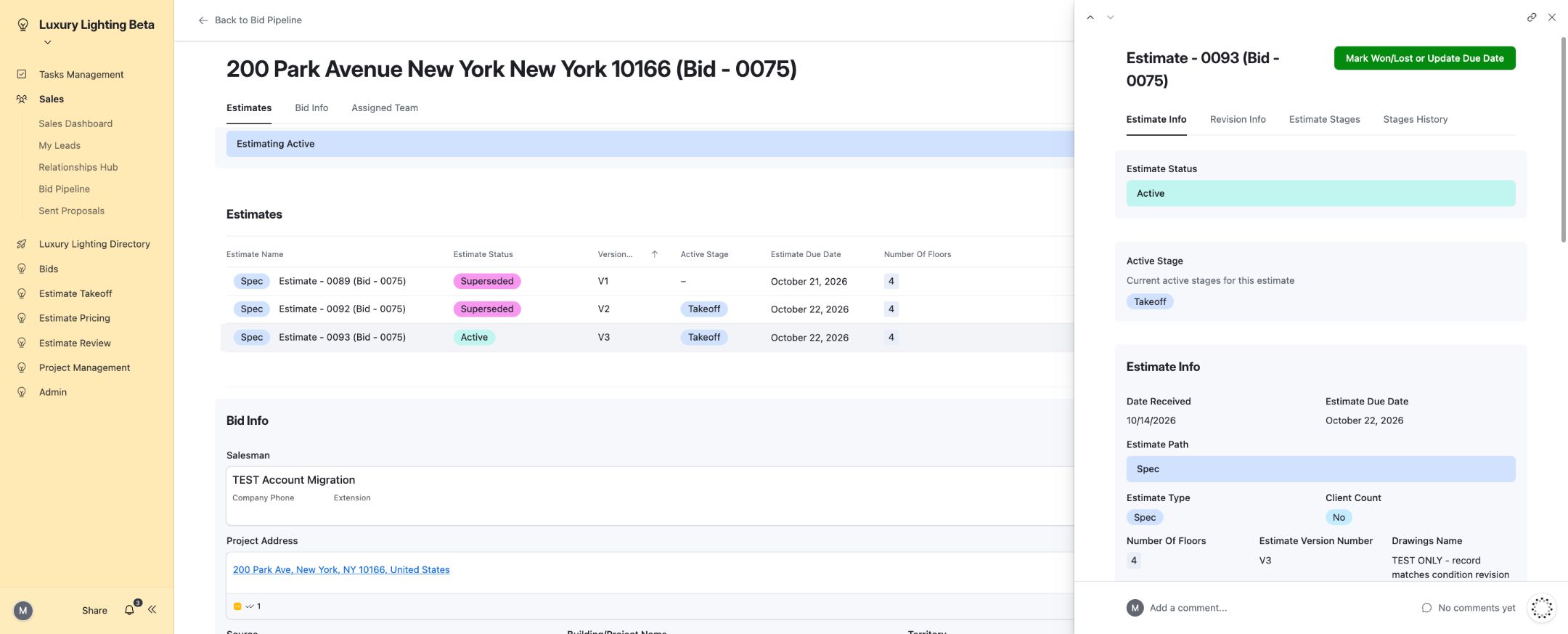
| T20 | Revision history and numbering | A new revision automatically carries its predecessor and ancestors. | 0093 displayedV3 with0092/0089;0094 displayedV4 with0093/0092/0089. History populated automatically. | PASS |
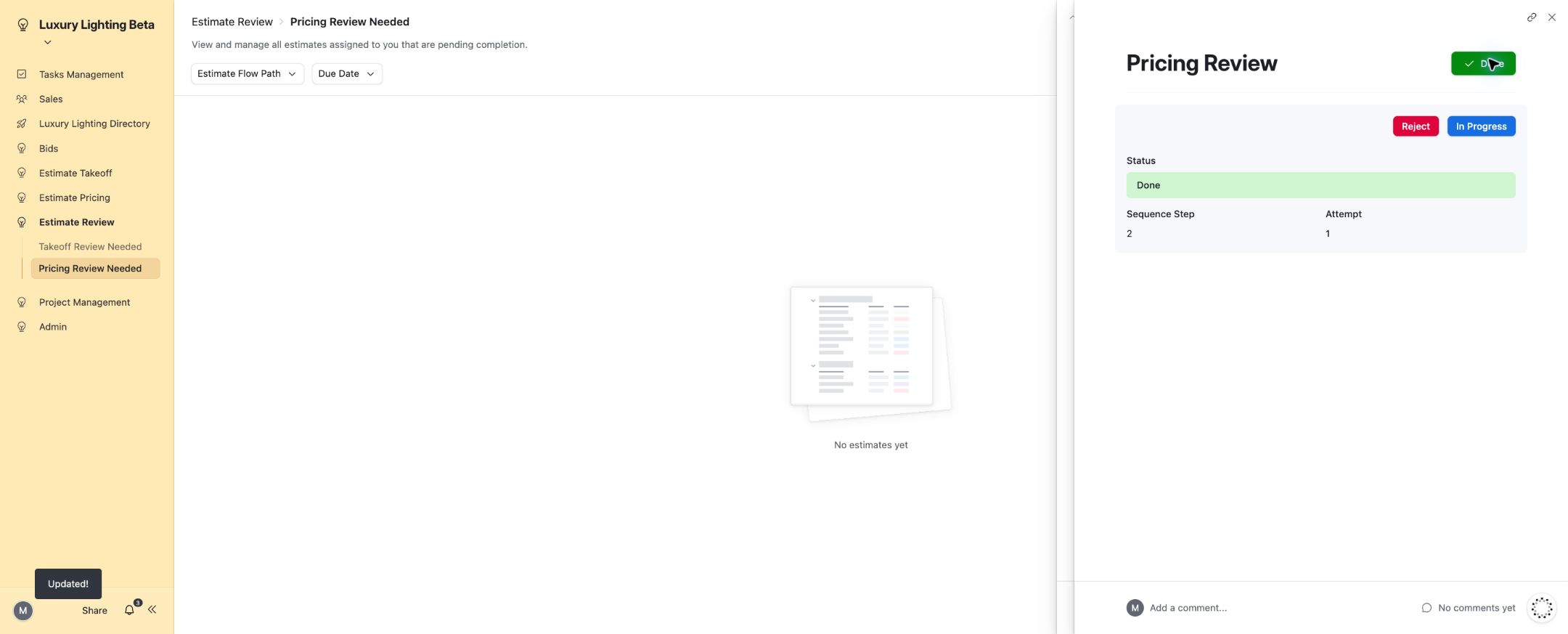
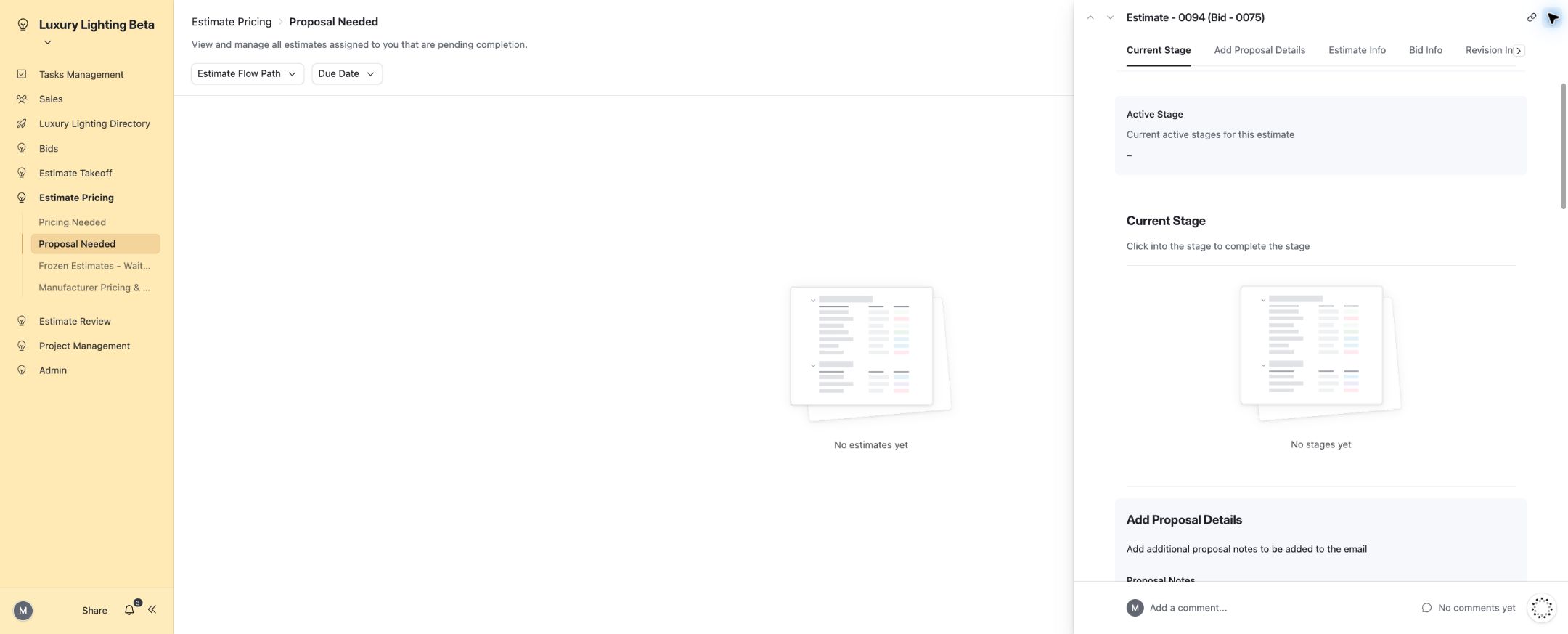
| T21 | Quick Quote workflow | The Quick Quote creates and completes all five configured stages. | 0094: Takeoff → Takeoff Review → Pricing → Pricing Review → Proposal Creation passed Ready → In Progress → Done; Proposal Ready to Send. | PASS |
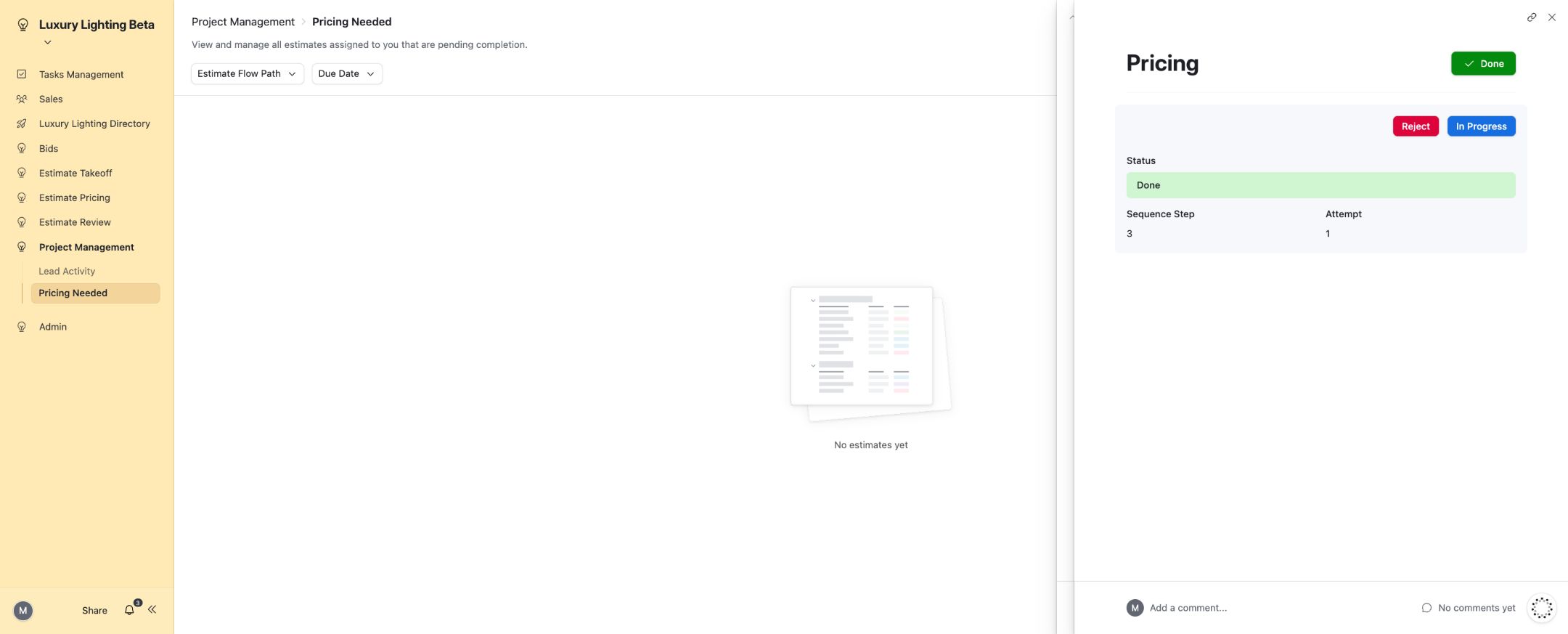
| T22 | VE and PM pricing workflow | PM-owned pricing appears in the PM queue and can be completed. | 0088: Takeoff and Takeoff Review completed; Project Management → Pricing Needed exposed Pricing Ready and accepted In Progress/Done. | PASS |
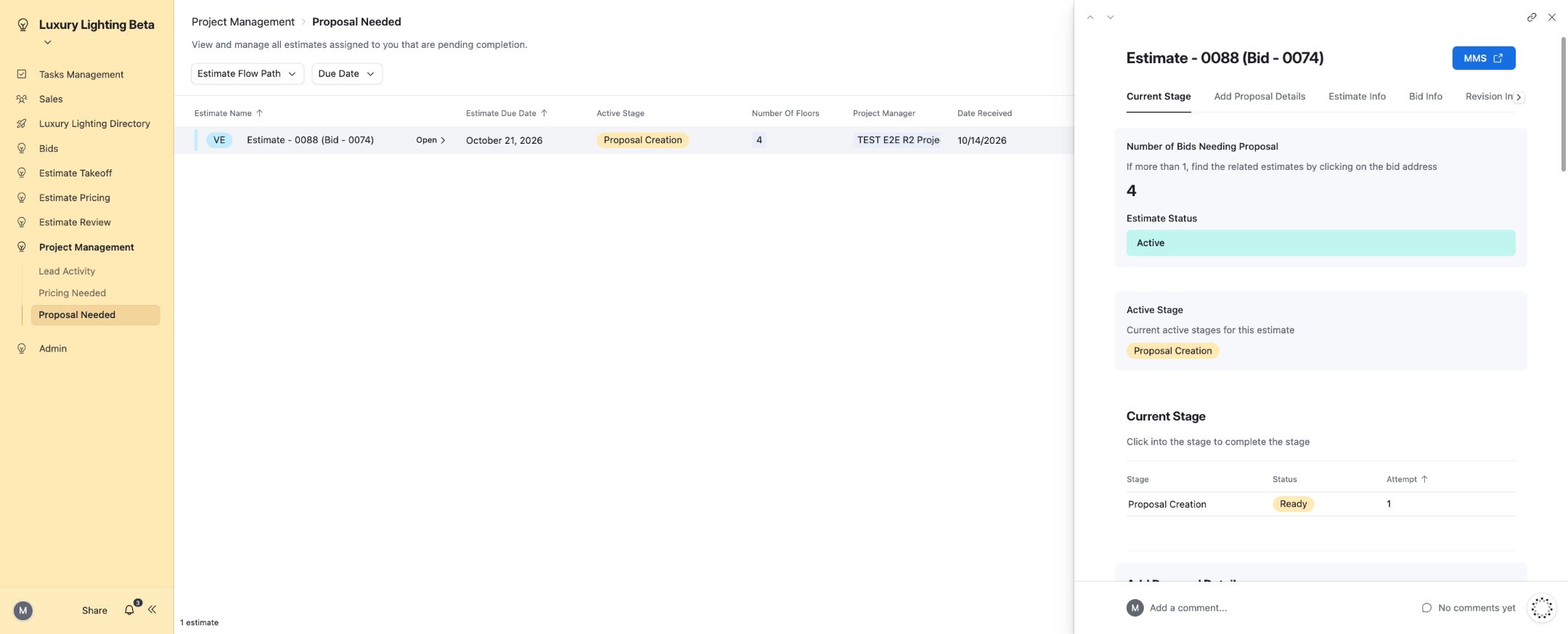
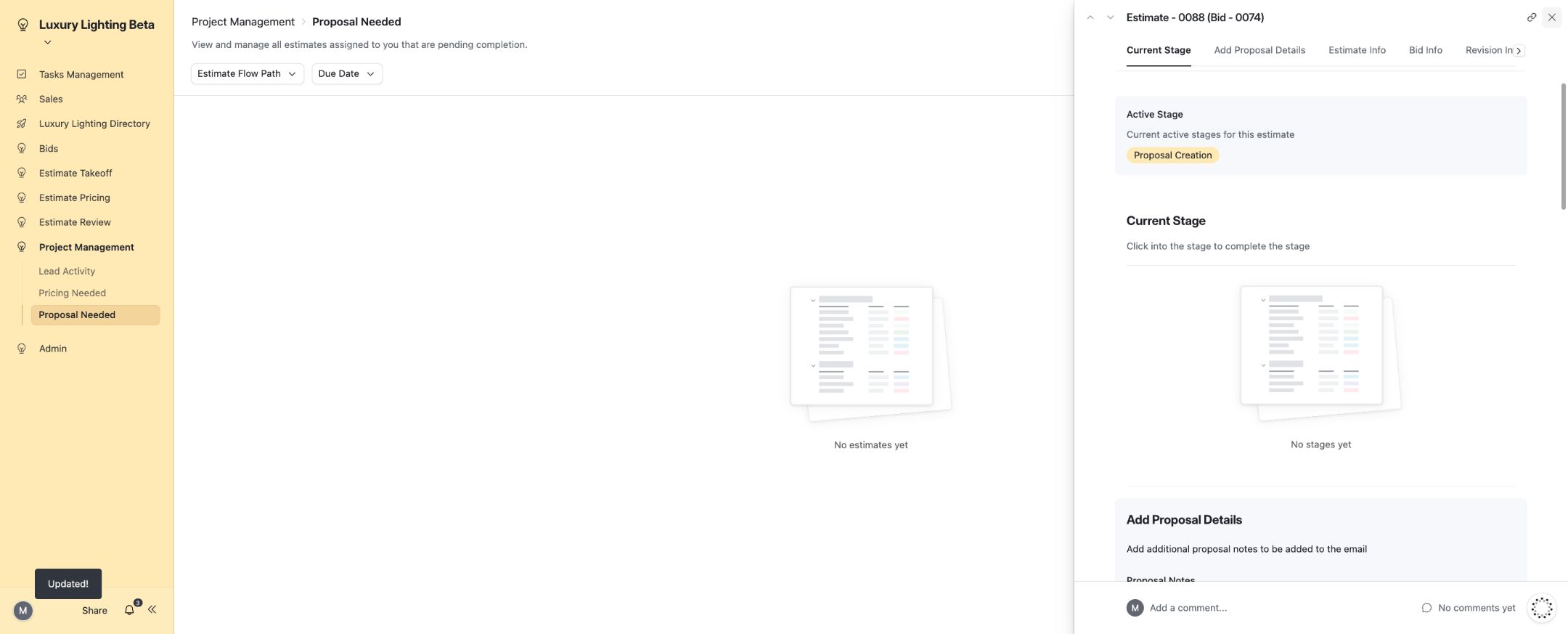
| T23 | VE and PM proposal workflow | The PM can continue into proposal preparation. | 0088: Project Management → Proposal Needed exposed Proposal Creation Ready; In Progress/Done persisted and Proposal Uploaded became available at Proposal Ready to Send. | PASS |
| T24 | Won/Lost pipeline reporting | Outcome changes update the bid, pipeline and dashboard consistently. | 0089: Won/Lost and required loss reason verified; Active/Won/Lost totals changed11/2/0 →10/3/0 →10/2/1 and returned to11/2/0 when the test outcome was cleared. | PASS |
| T25 | Hold/cancel status formulas | Hold/cancel flags produce the correct status priority. | Backend status test on TEST Bid0075 verified On Hold and Cancelled priority. Both flags returned to false; this is formula coverage, not a published button test. | PASS |
| T26 | Follow-up task actions | Follow-up tasks can be generated and completed by the configured actions. | Isolated proposal/RFQ follow-up task creation and completion verified; live scheduled run histories recorded success. | PASS |
Validated workflow paths
- Setup: Employee → Company → Contact/Lead → Activity/Task.
- Spec: Bid → Estimate → Takeoff → Takeoff Review and Pricing → Pricing Review → Proposal Creation → Proposal delivery.
- Count: Client Count Yes → Pricing → Pricing Review → Proposal Creation → Proposal Ready to Send.
- Quick Quote: Takeoff → Takeoff Review → Pricing → Pricing Review → Proposal Creation → Proposal Ready to Send.
- VE: Takeoff → Takeoff Review → PM Pricing → PM Proposal Creation → Proposal Ready to Send.
- Frozen: Waiting for Proposal → Proposal upload/send → Readable email receipt.
- RFQ: Manufacturer pricing → Process RFQs → Email delivery → Received RFQ → Complete.
- Sales: Proposal Sent → Won/Lost → Pipeline and dashboard totals.
Revision history verification
Estimate0093 displaysV3 and includes0092 and0089 in its history. Estimate0094 displaysV4 and includes0093,0092 and0089. The predecessor links and ancestor histories populate automatically.
Operational status
| Check | Final status | Verification basis |
|---|---|---|
| Scheduled follow-ups | Working | Operational confirmation; isolated task actions and successful scheduled execution histories are documented. |
| Activity-date display | Accepted | Existing local-date presentation accepted; stored activity dates retained. |
Screenshot evidence
Expand an entry to view the corresponding result. Screenshots use dedicated test records.
01. Employee form with required identity and assignment fields.
02. Company creation and directory search.
03. Company and contact creation result.
04. Contact creation result in the directory.
05. Completed interaction saved.
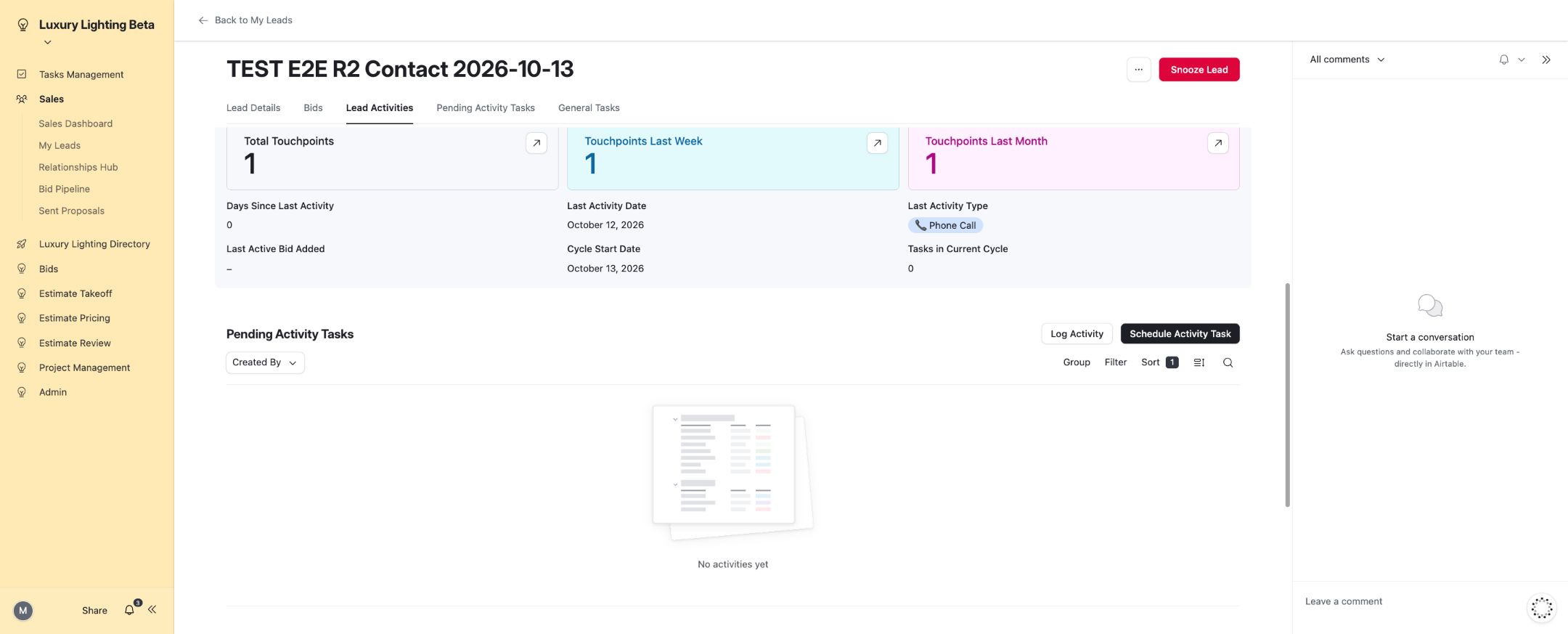
06. Future activity scheduled.
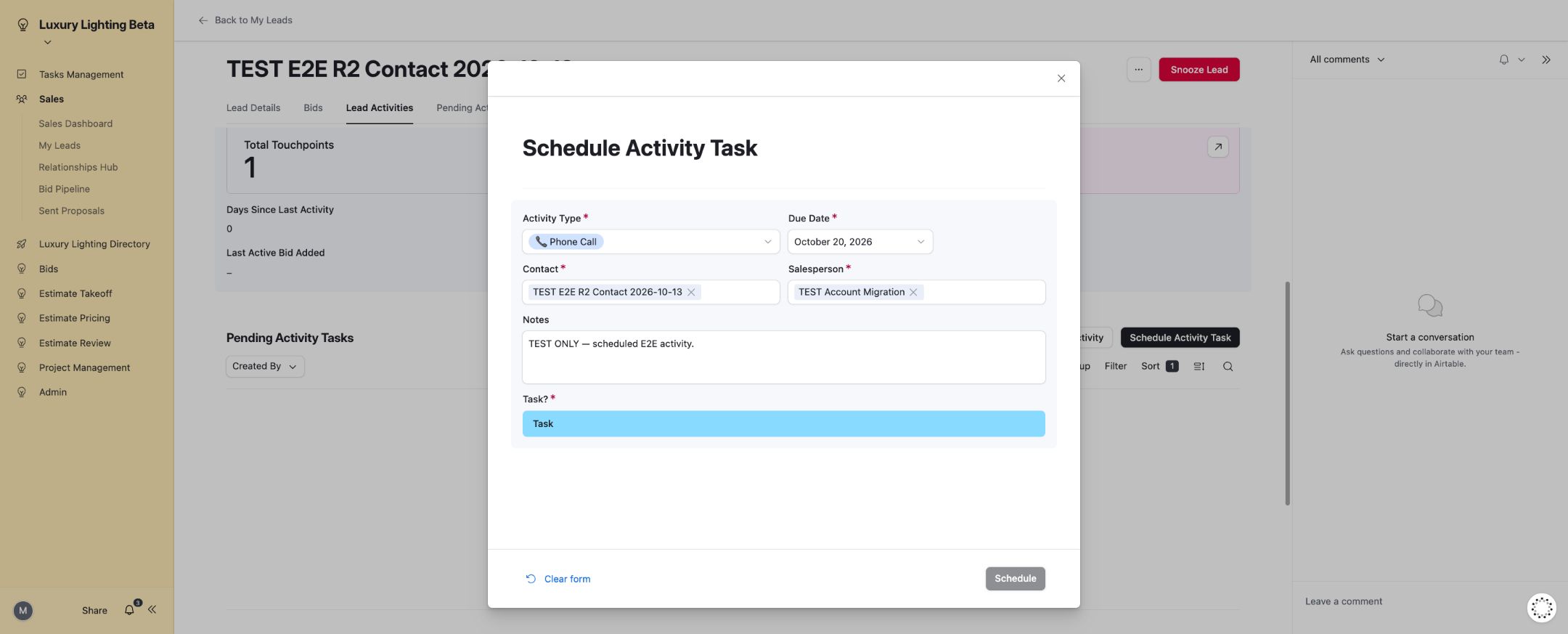
07. Scheduled activity completed.
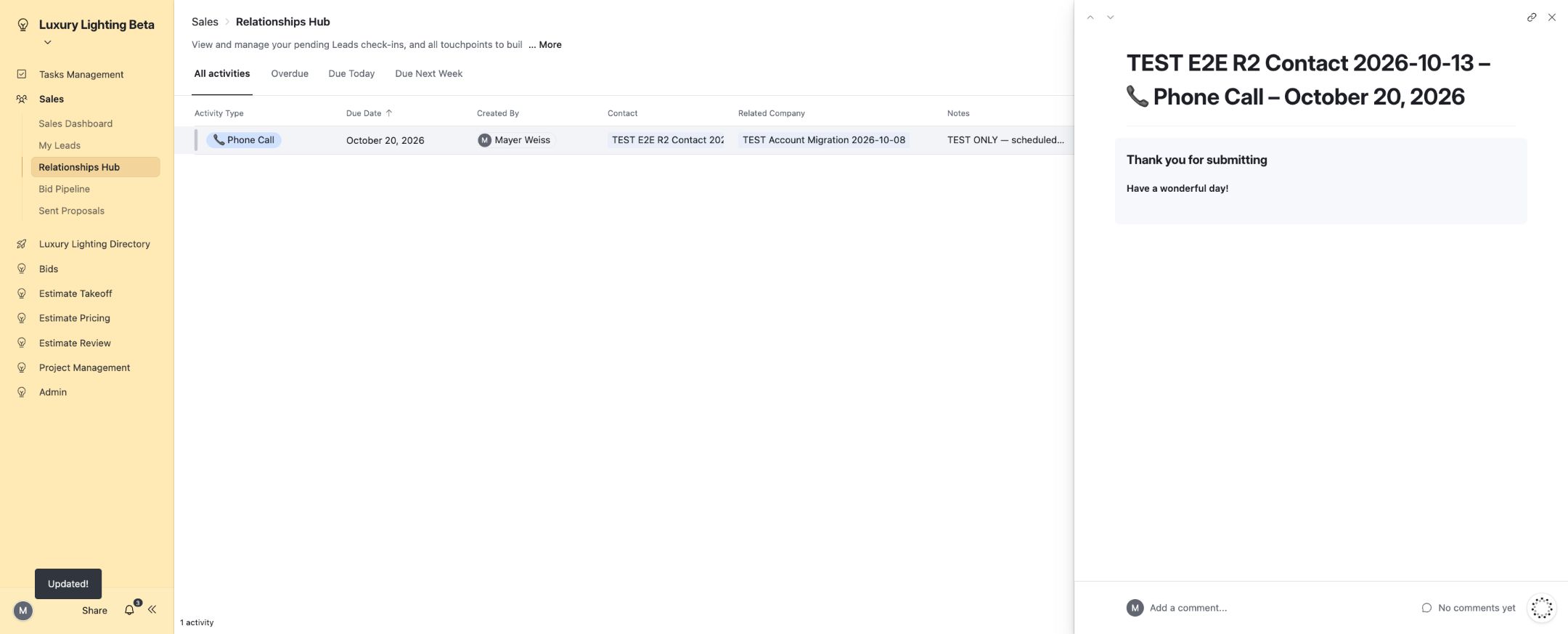
08. Lead unsnoozed.
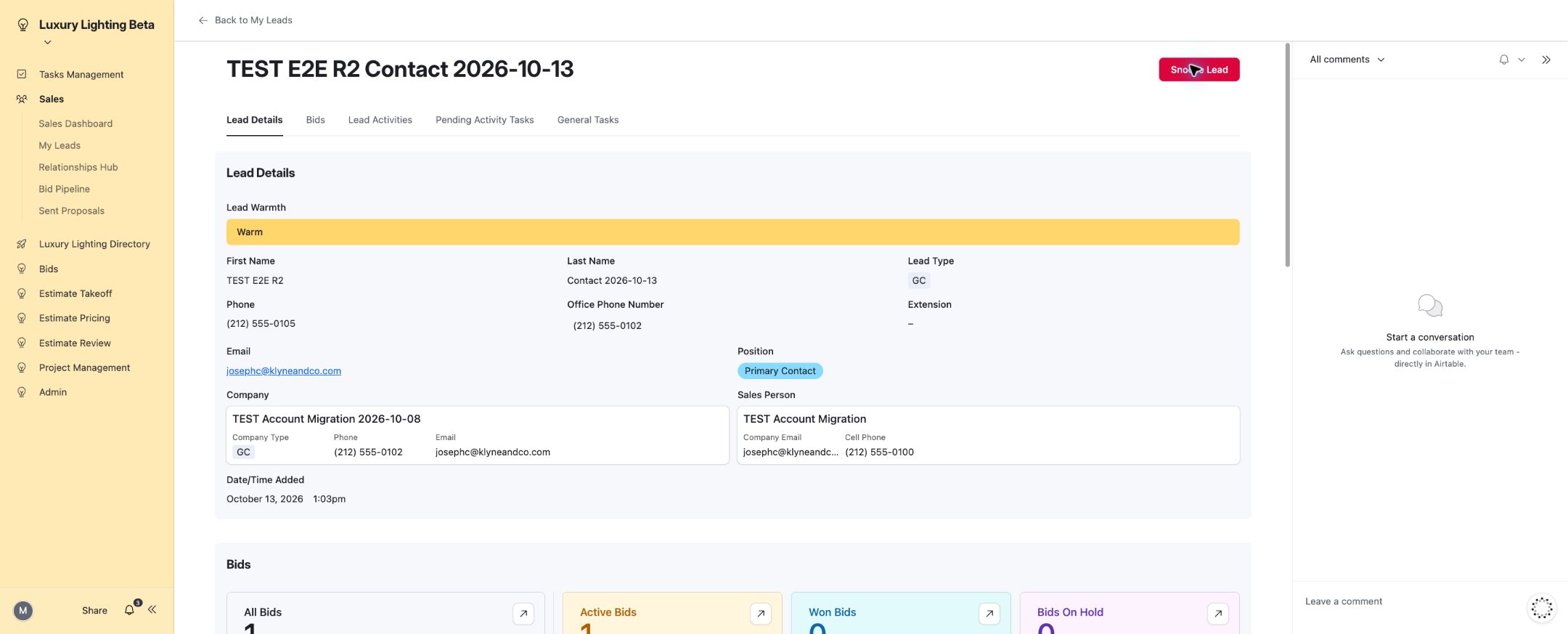
09. General task created.
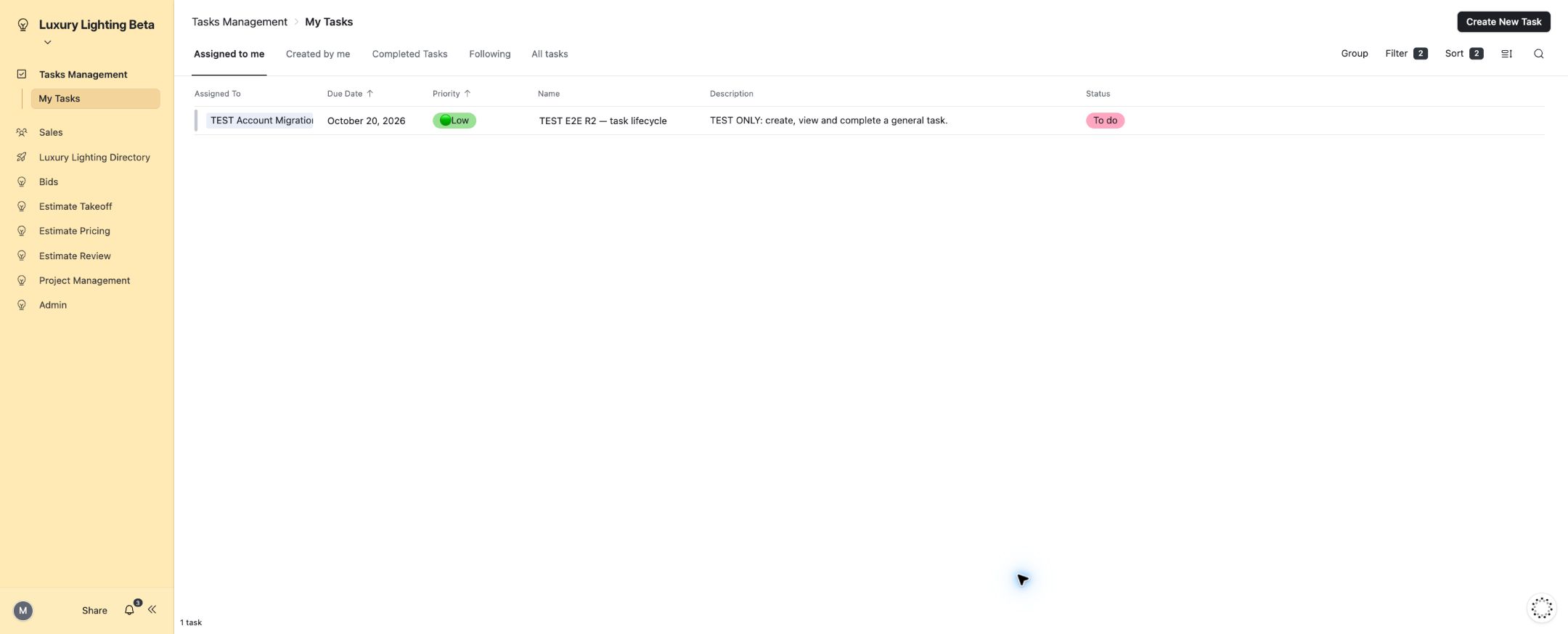
10. General task completed.
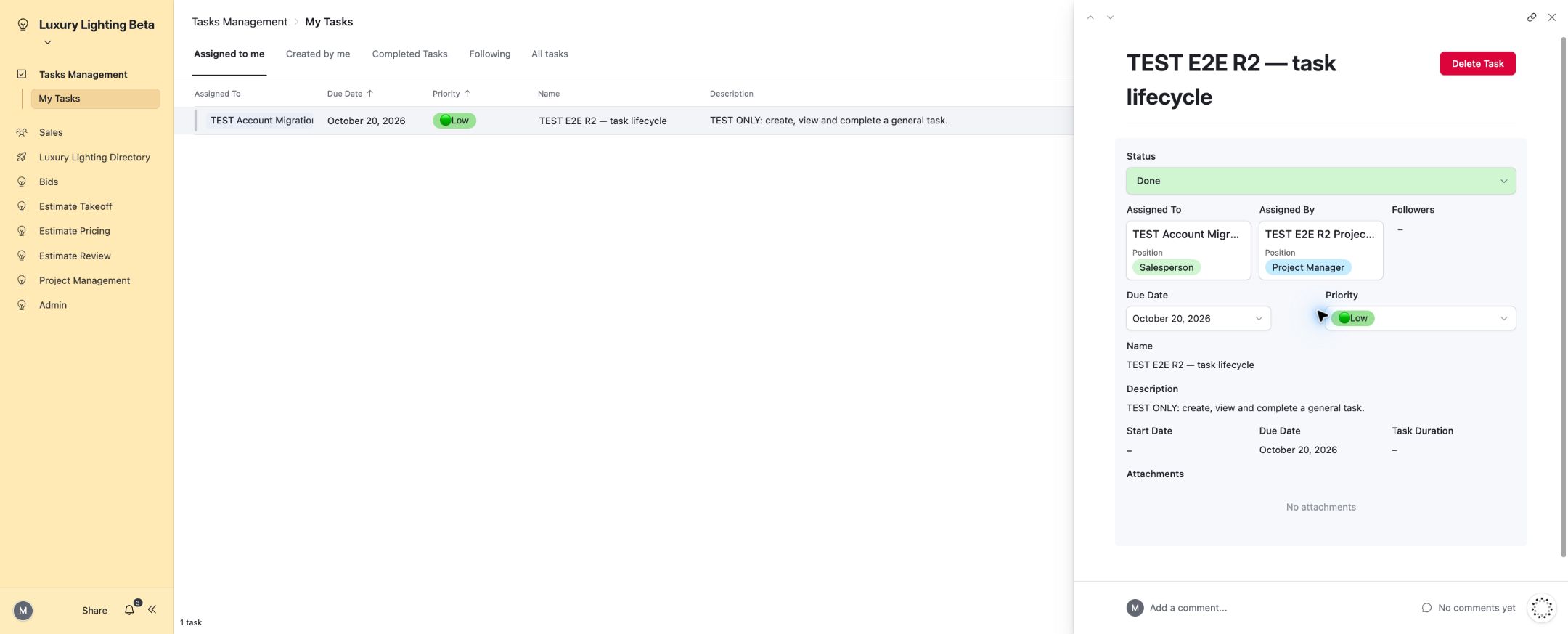
11. Valid empty state for a lead without completed activity.
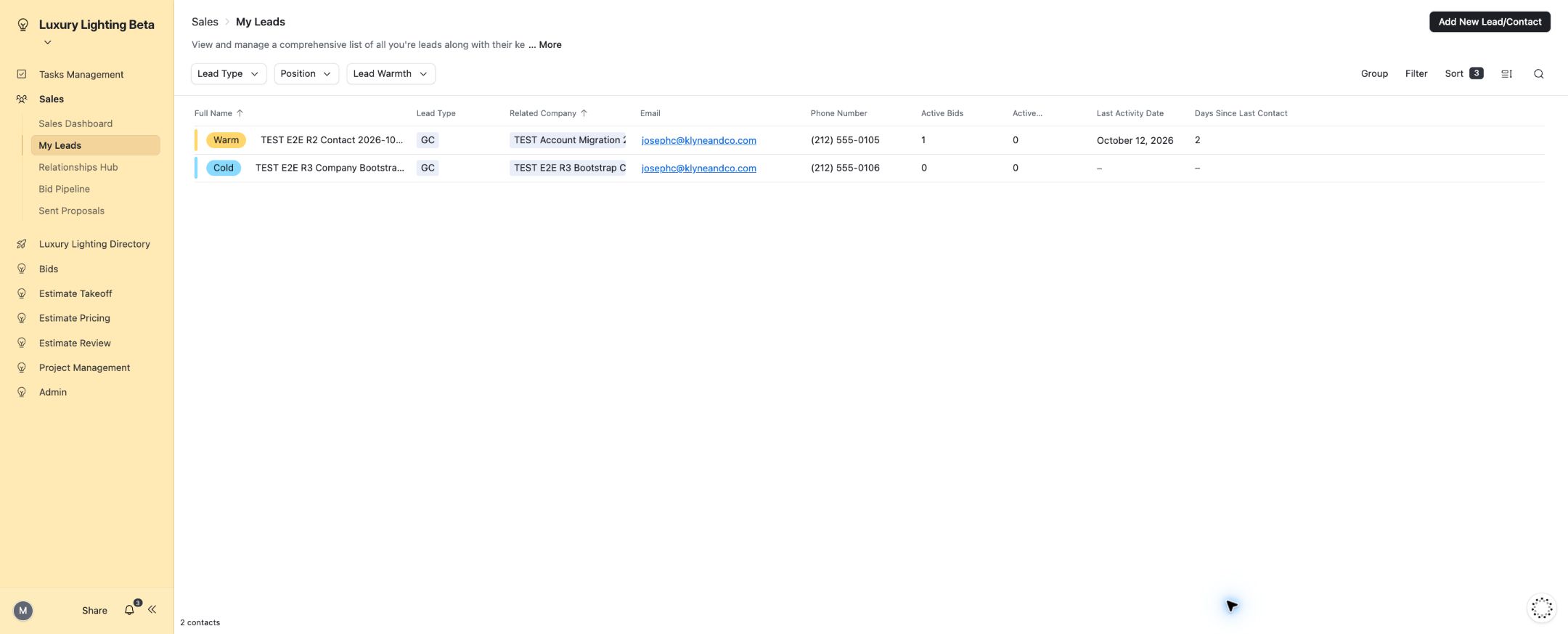
12. Normal bid intake with customer, address, dates and drawing.
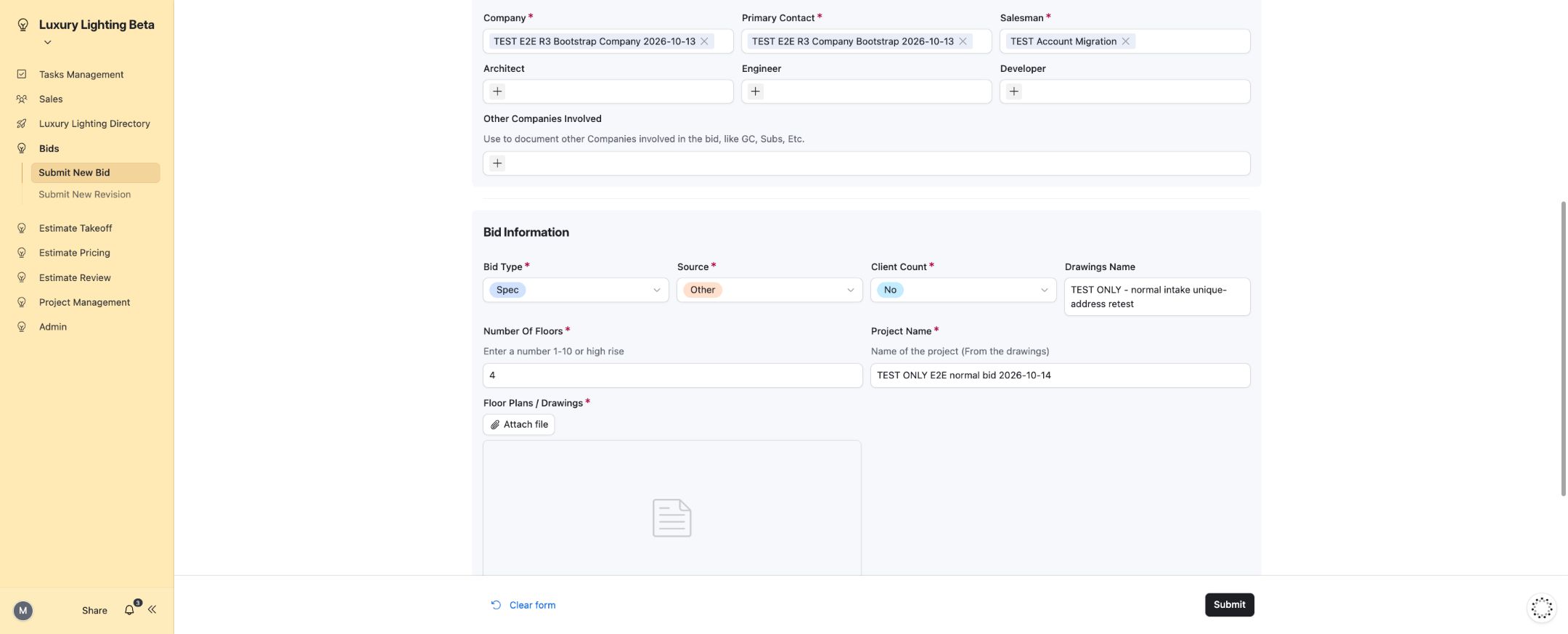
13. SharePoint working-folder links populated.
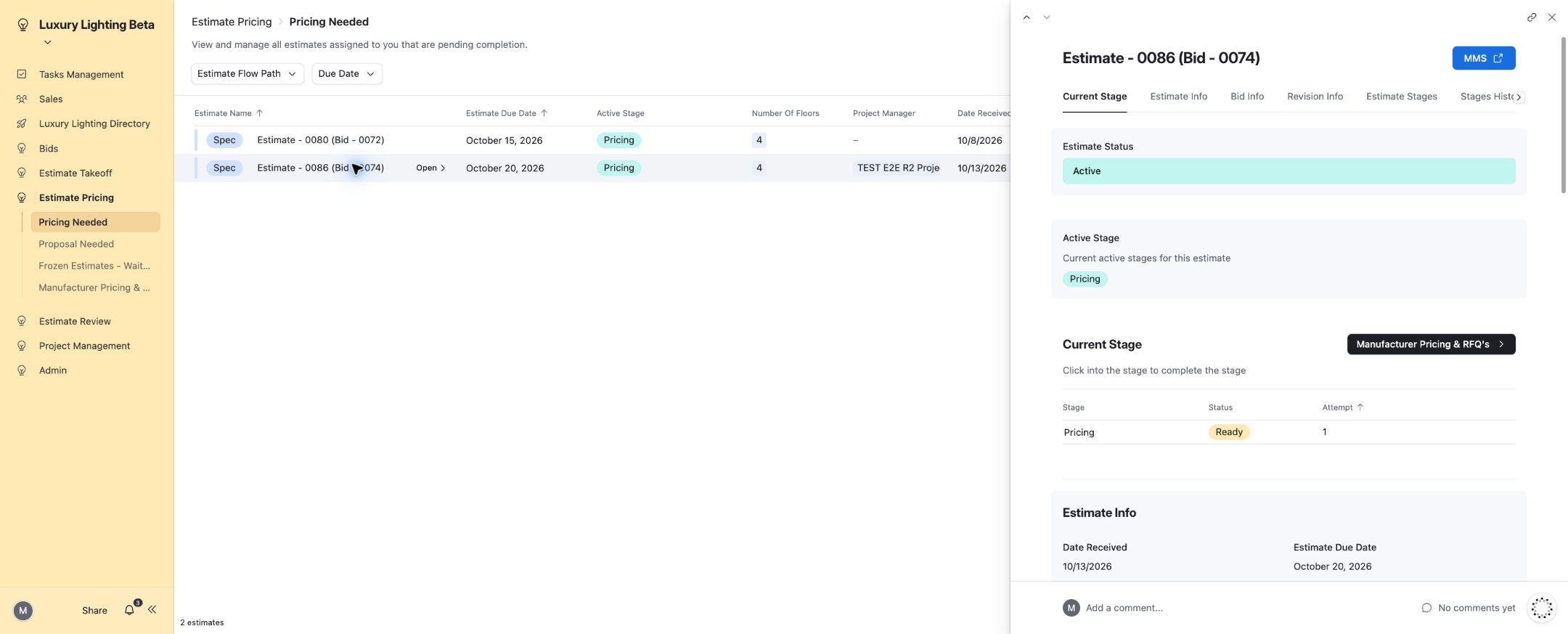
14. Spec Takeoff stage in progress.
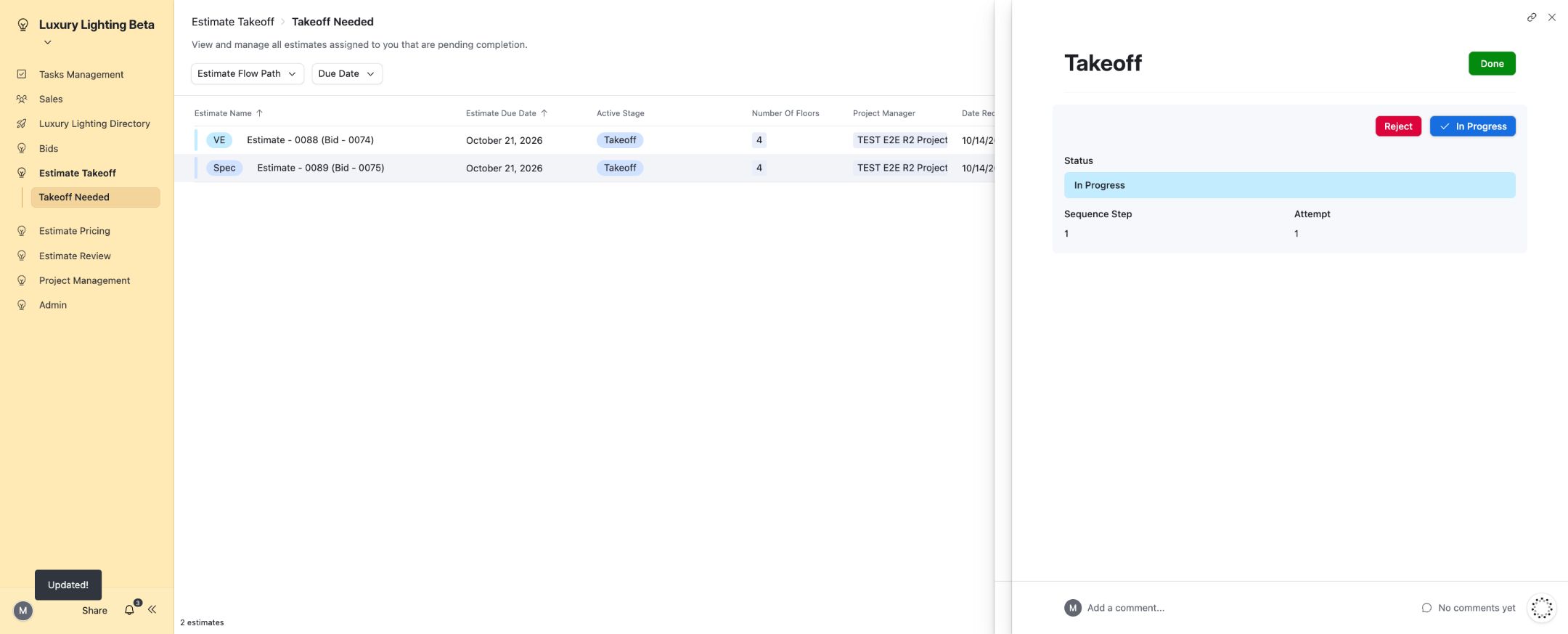
15. Spec Takeoff Review completed.
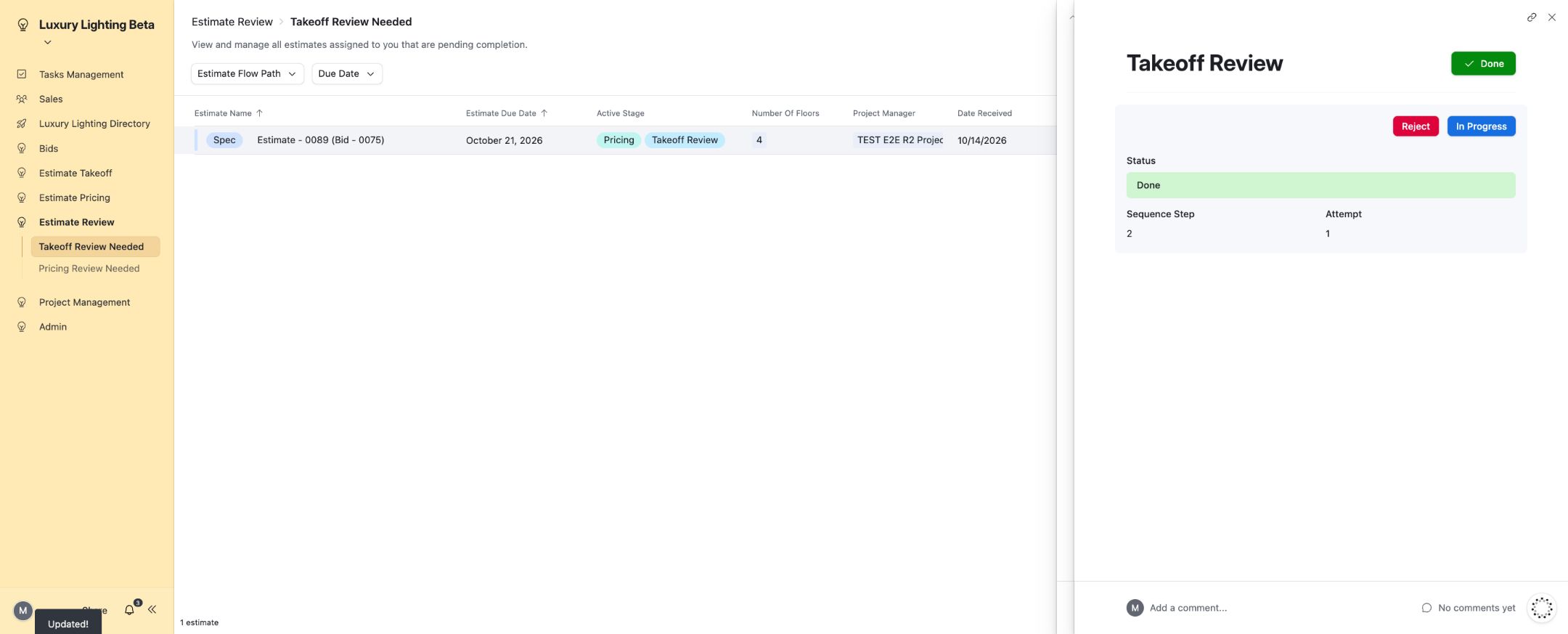
16. Spec Pricing completed.
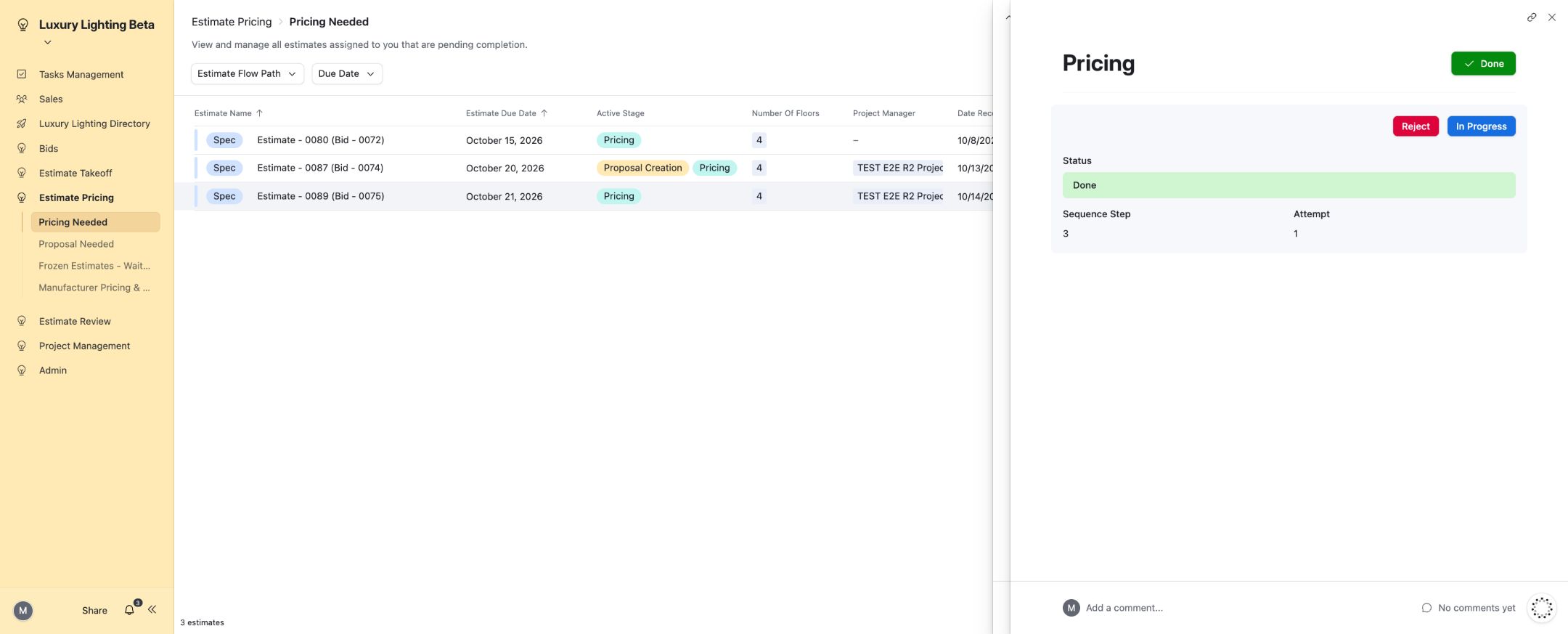
17. Spec Pricing Review completed.
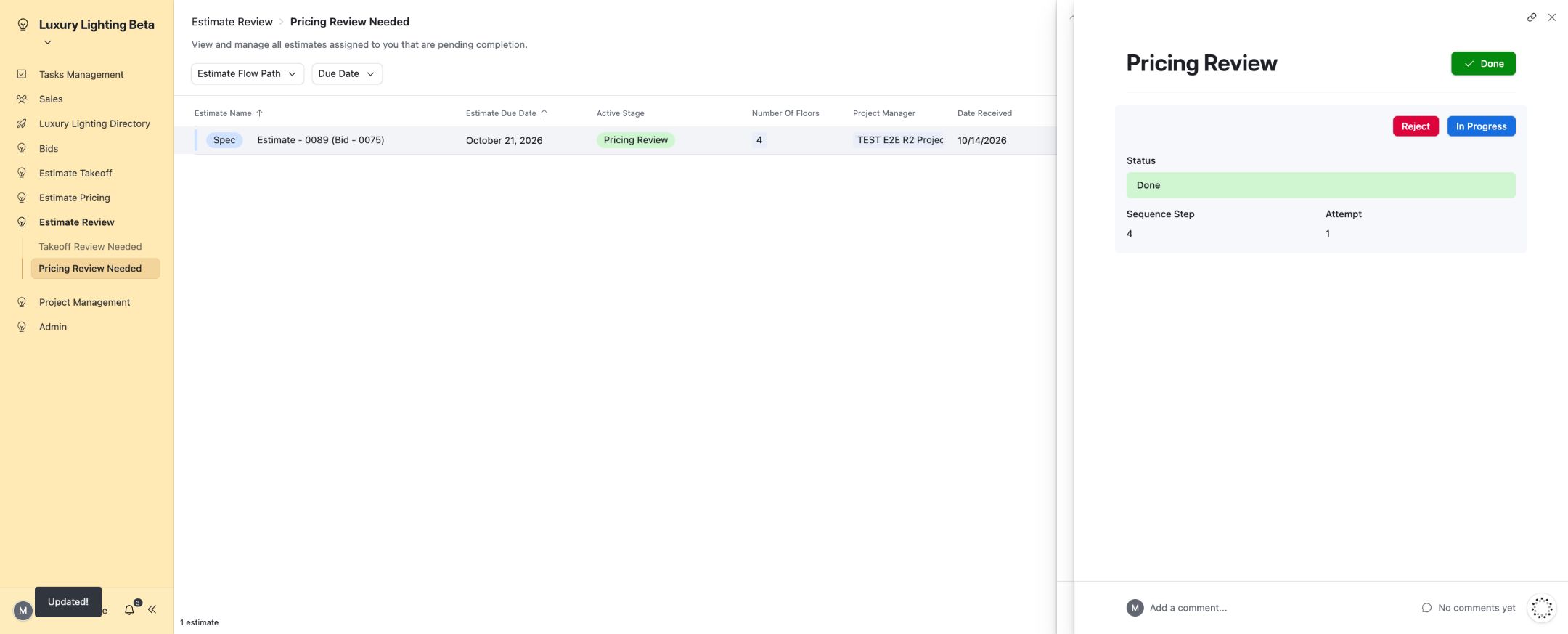
18. Spec Proposal Creation completed.
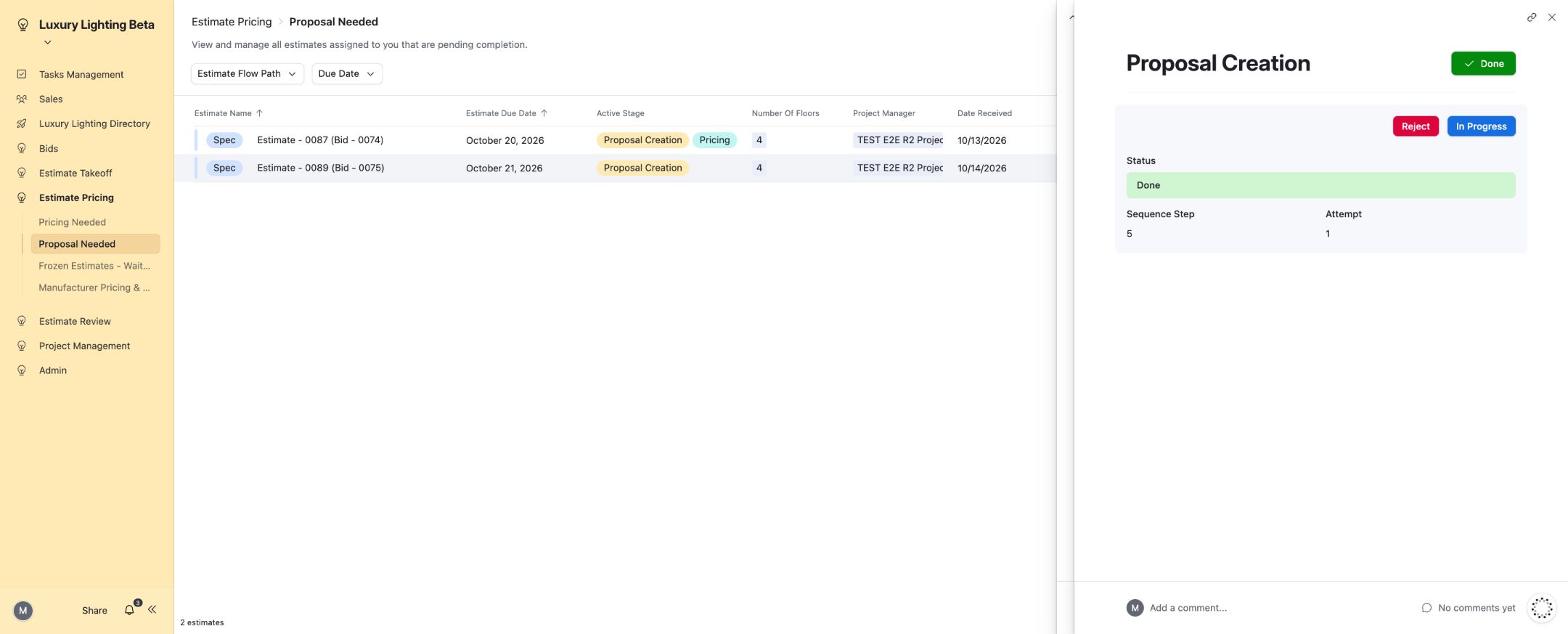
19. Pricing review rejection result.
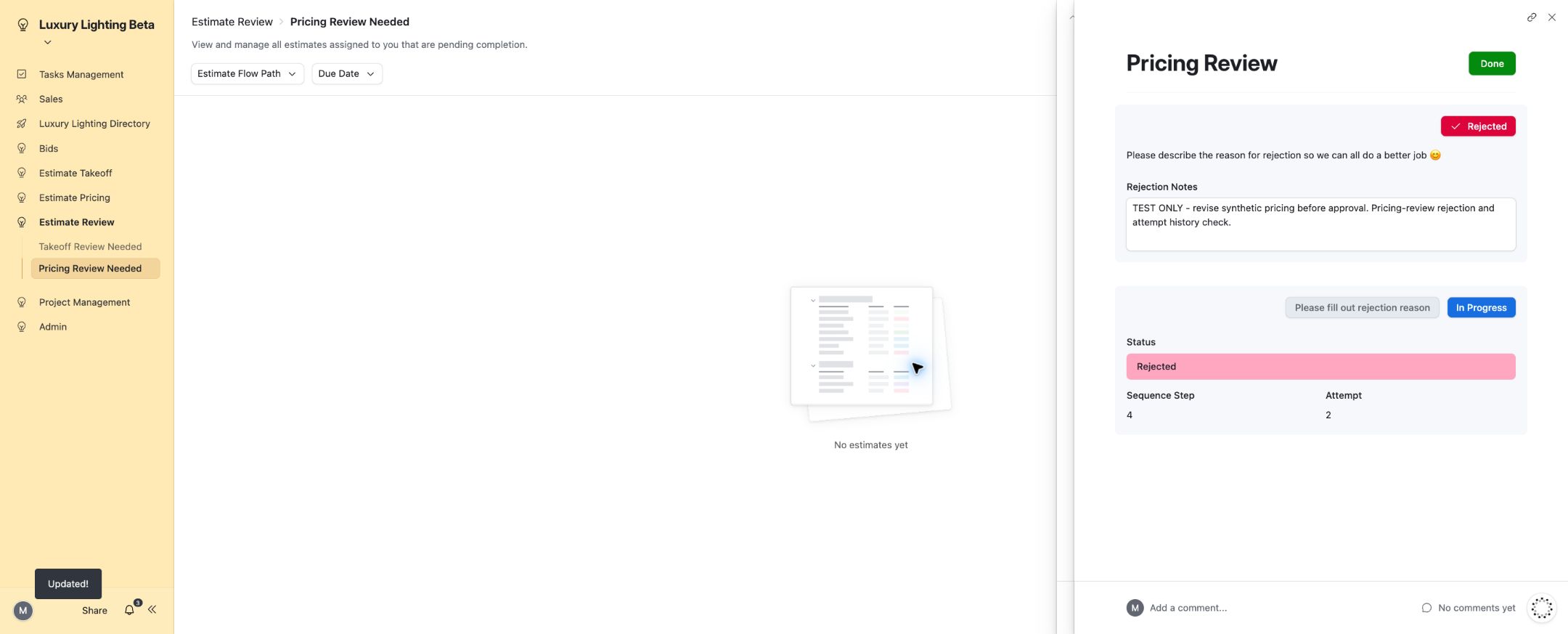
20. RFQ page selects the intended estimate.
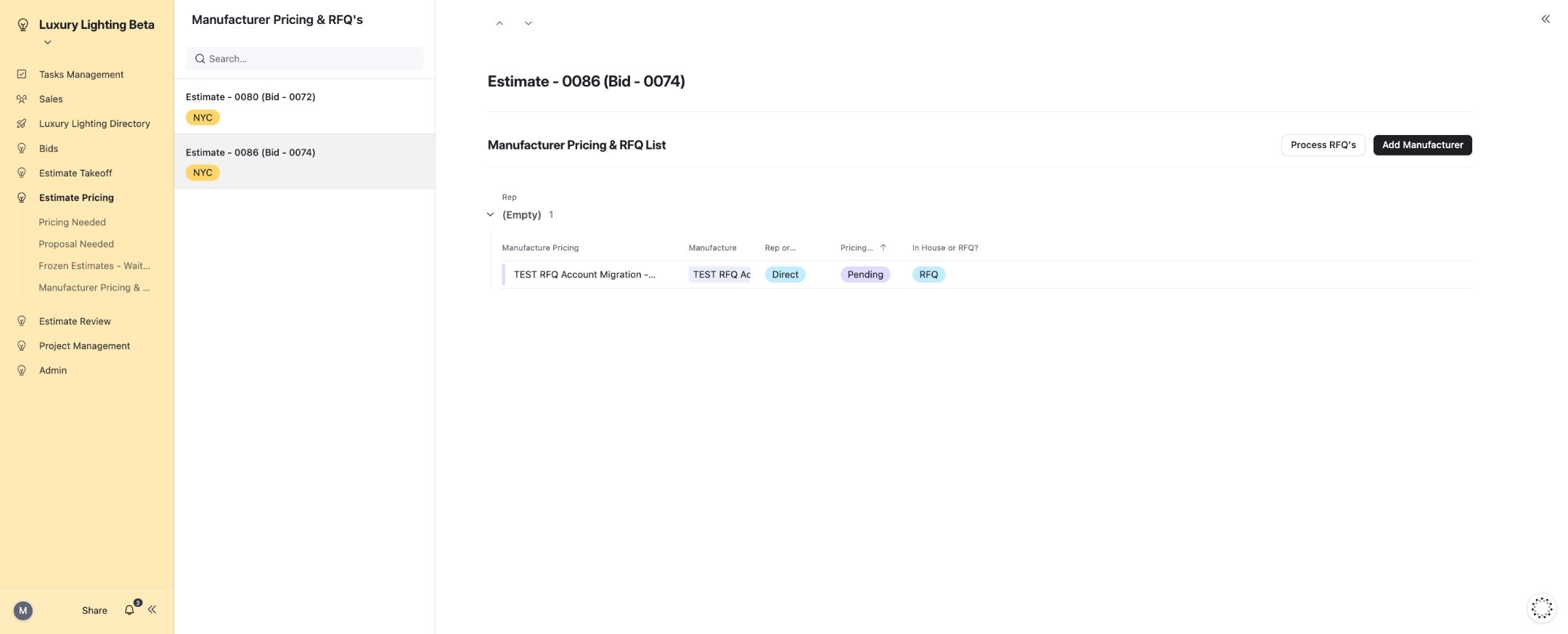
21. RFQ email received.
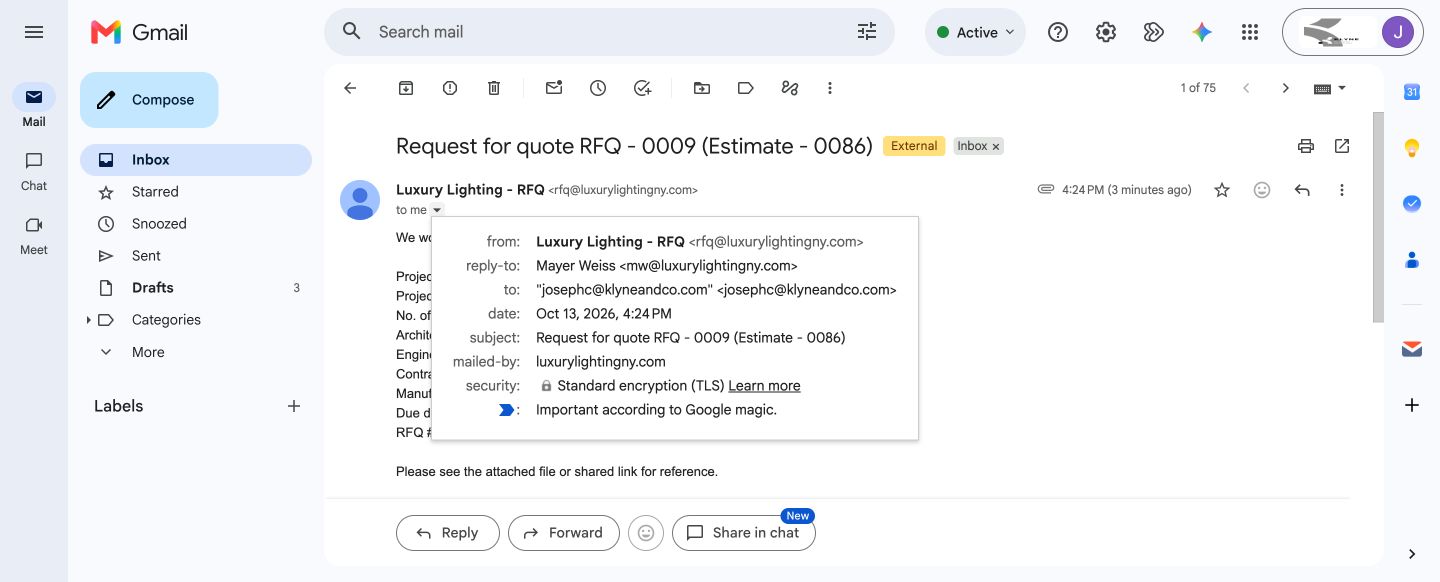
22. Received takeoff attachment opens readably.
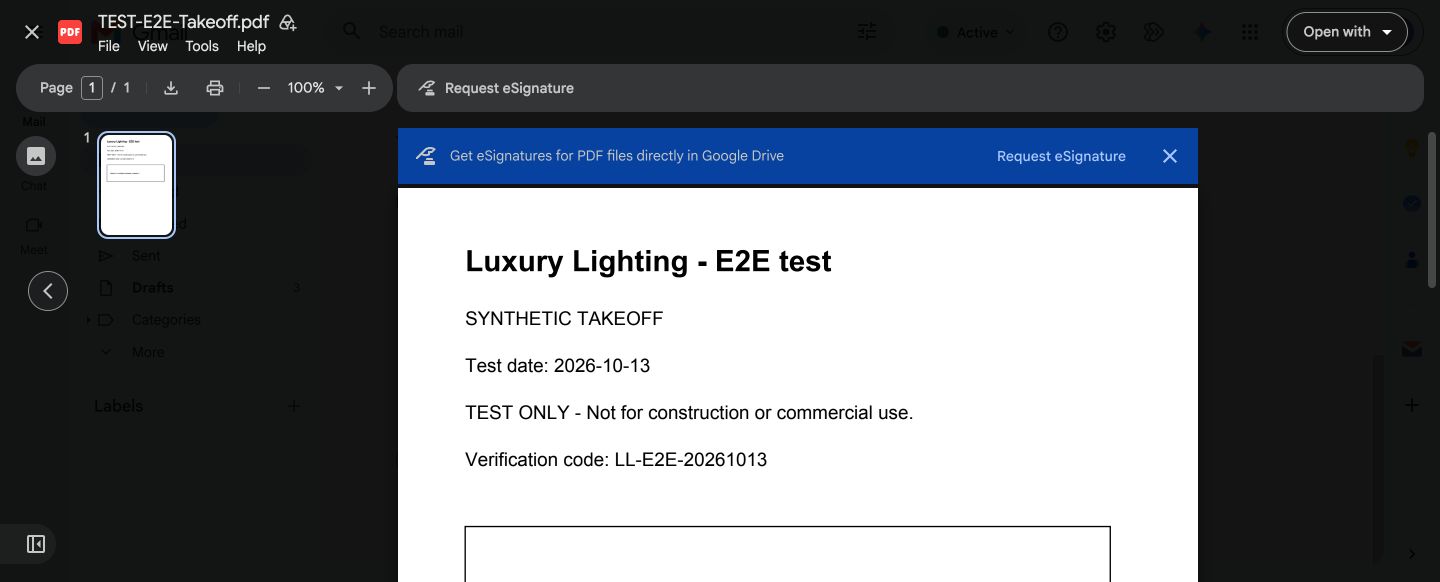
23. Received drawing attachment opens readably.
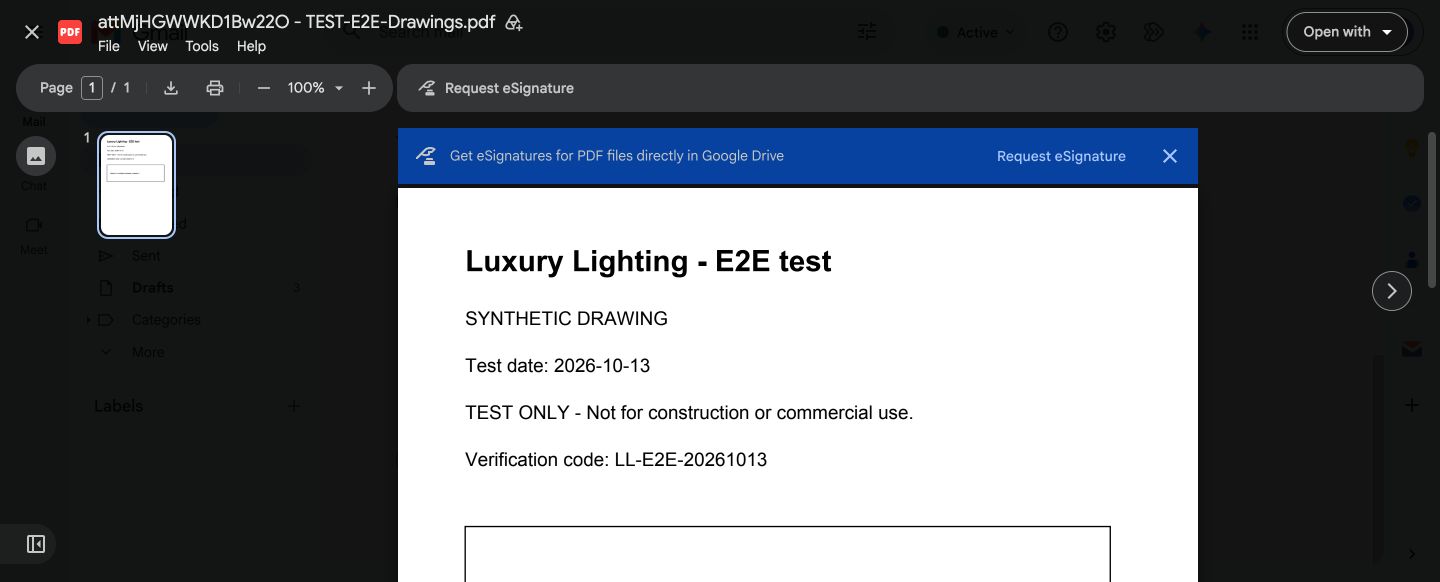
24. RFQ response marked received.
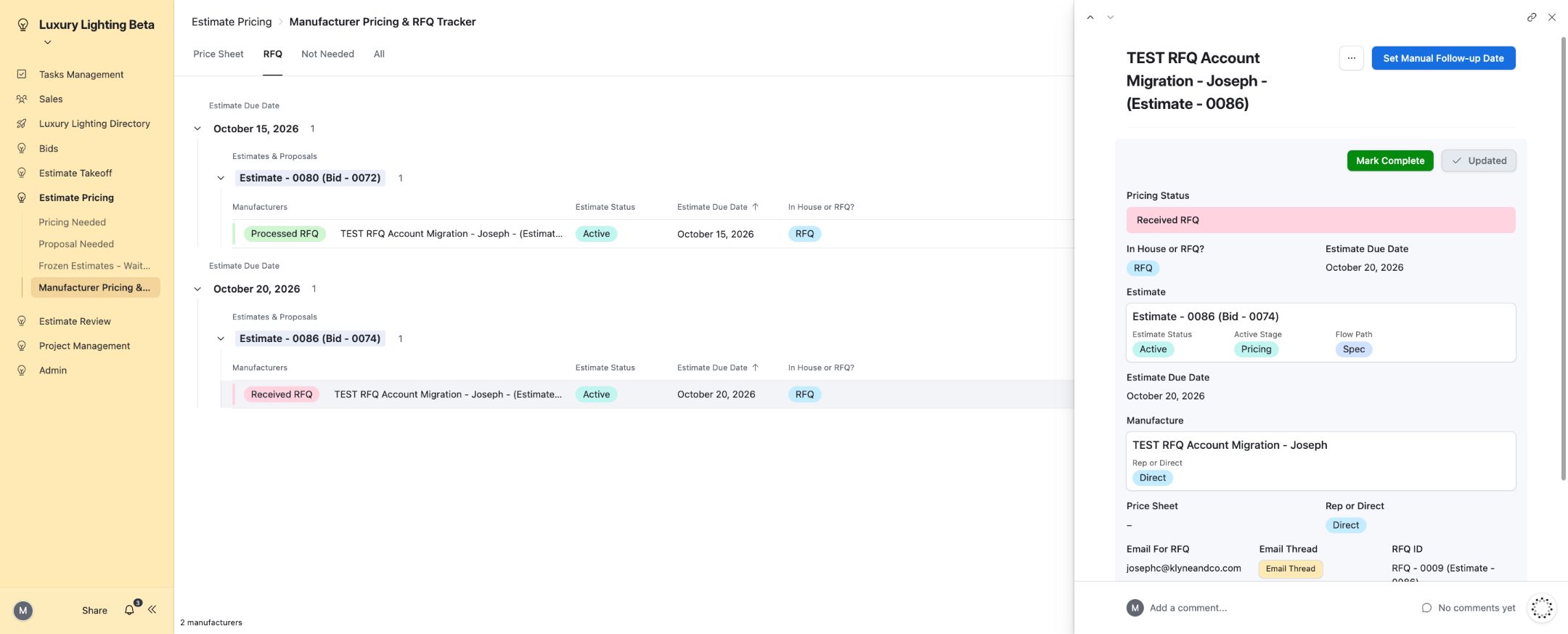
25. RFQ marked complete.
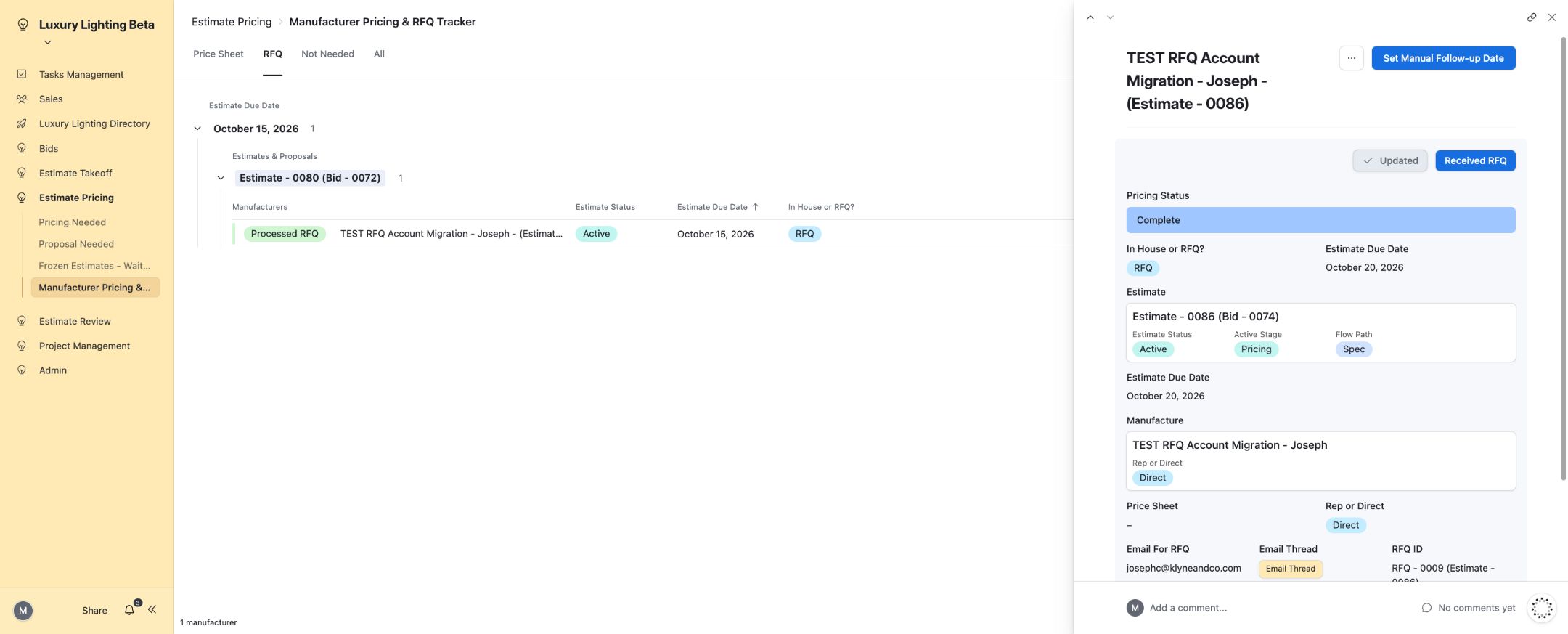
26. Spec proposal email received.
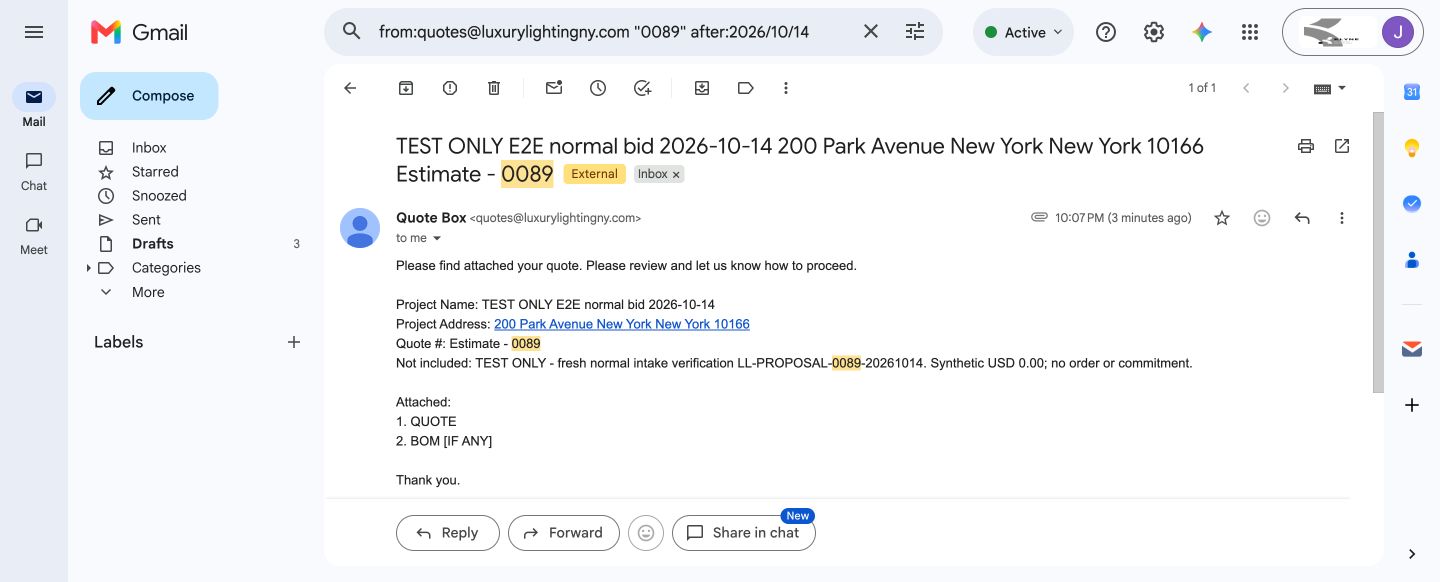
27. Received Spec proposal PDF opens readably.
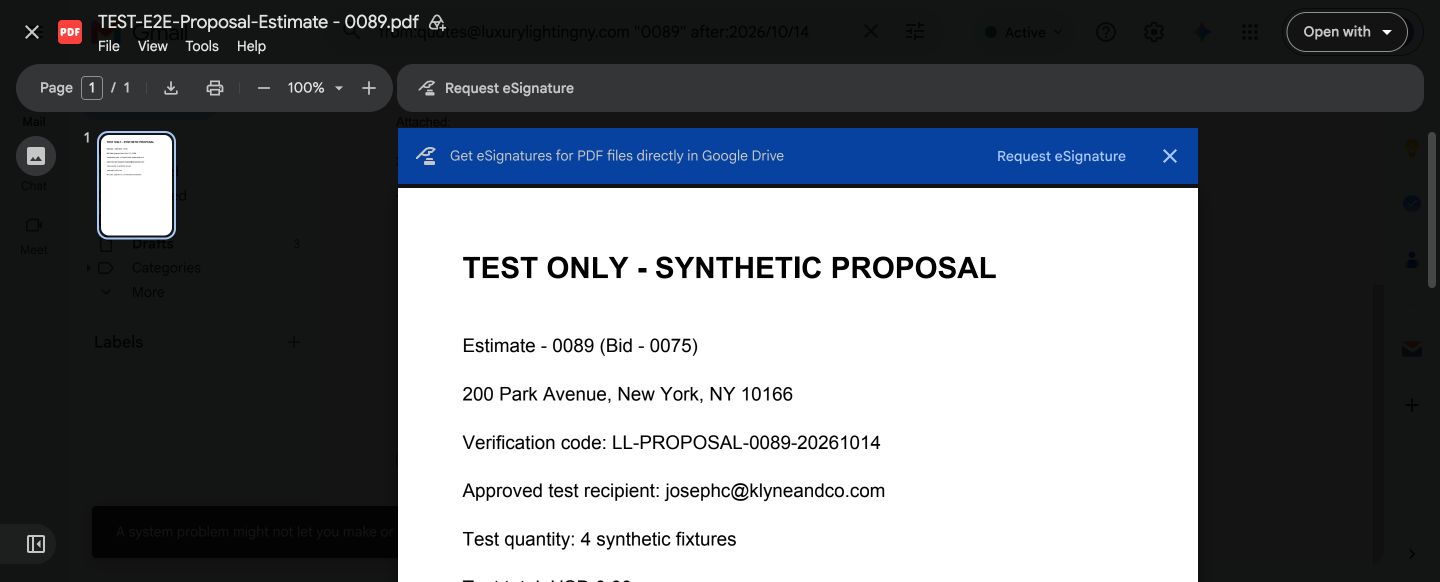
28. Optional proposal attachment opens readably.
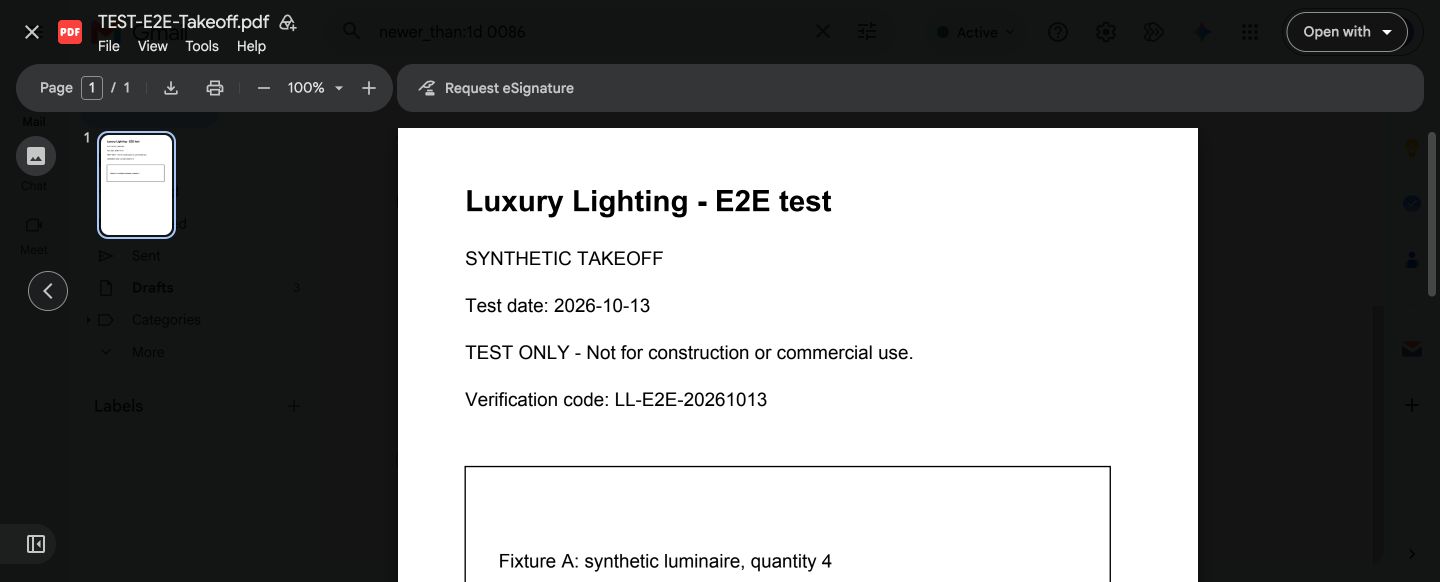
29. Count Pricing Review completed.
30. Frozen proposal PDF received and opened readably.
31. Revision displaysV3 and its automatic ancestor history.
32. Quick Quote0094 reaches Proposal Ready to Send after five stages.
33. PM pricing queue exposes the ready VE Pricing stage.
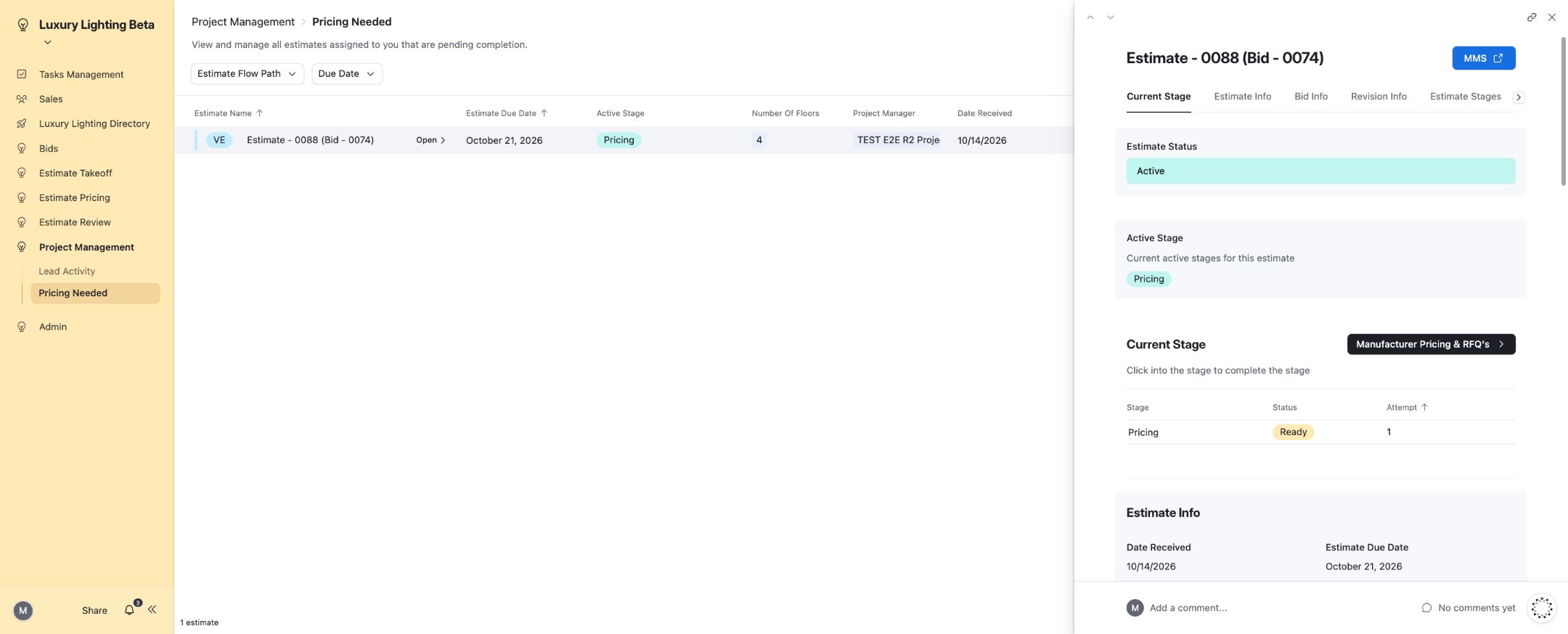
34. PM-owned VE Pricing completed.
35. PM proposal queue exposes the ready VE Proposal Creation stage.
36. VE proposal reaches Proposal Ready to Send with its upload action.
37. Dashboard totals reflect the Won outcome.
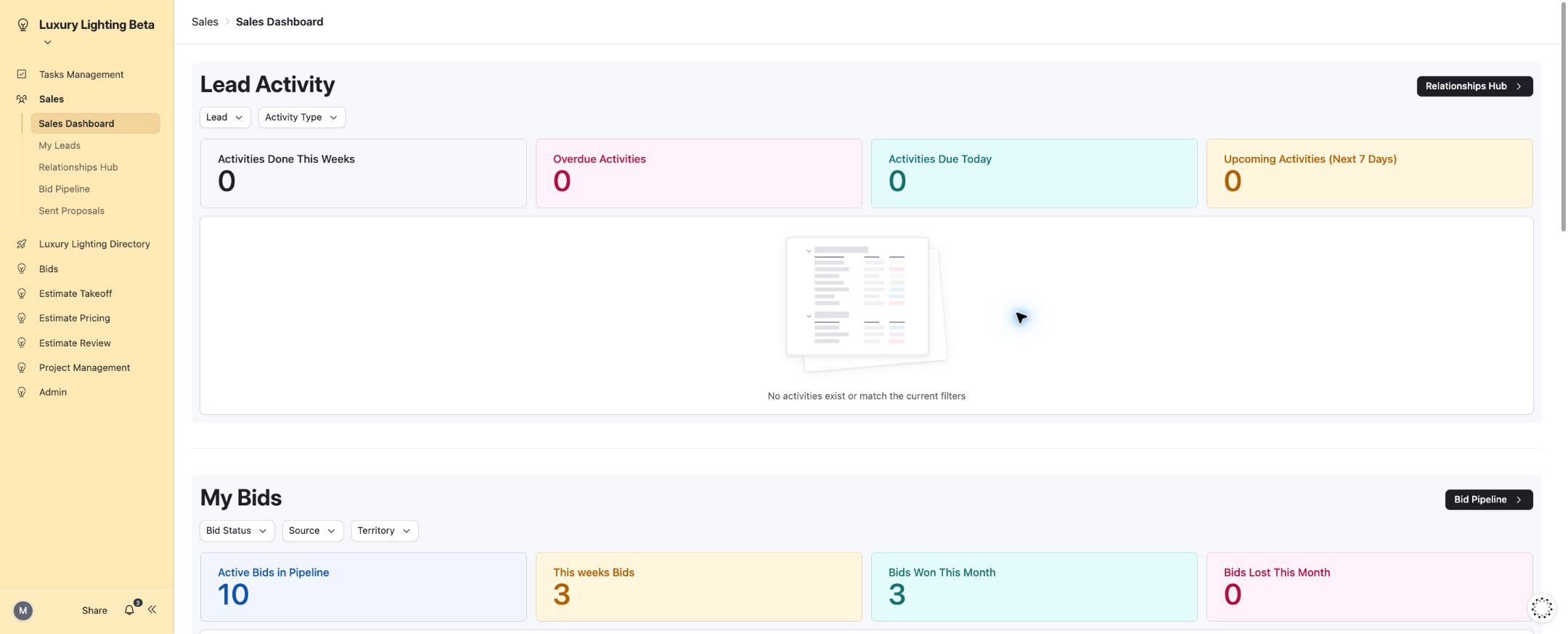
38. Dashboard totals reflect the Lost outcome.
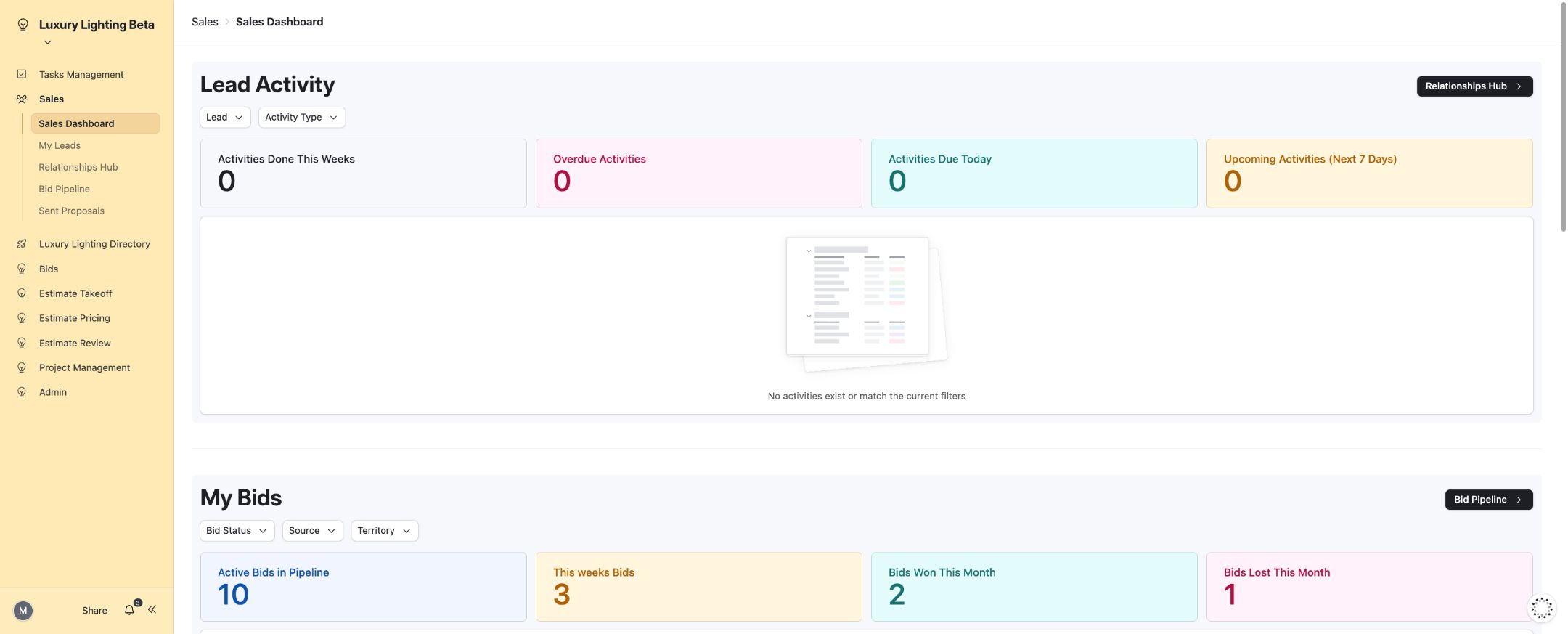
39. Dashboard totals return to baseline after test outcome reset.
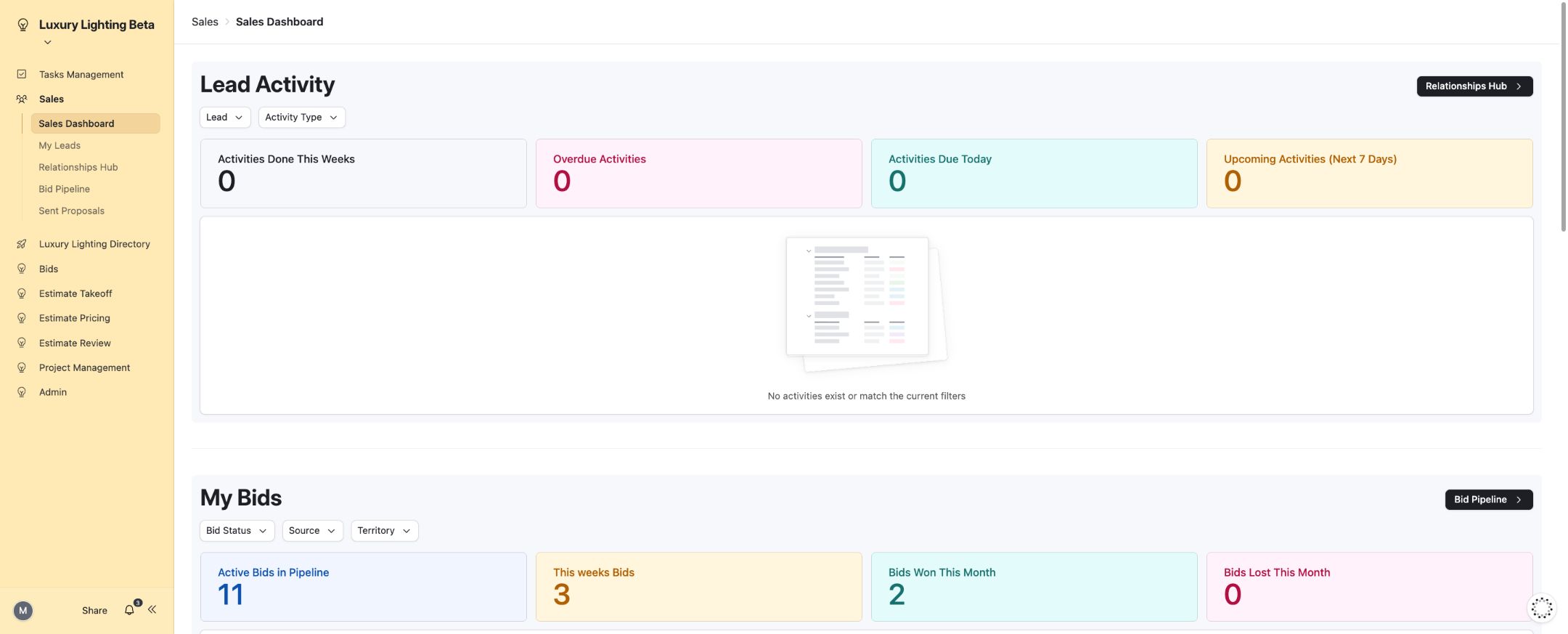
40. Proposal follow-up task completed.
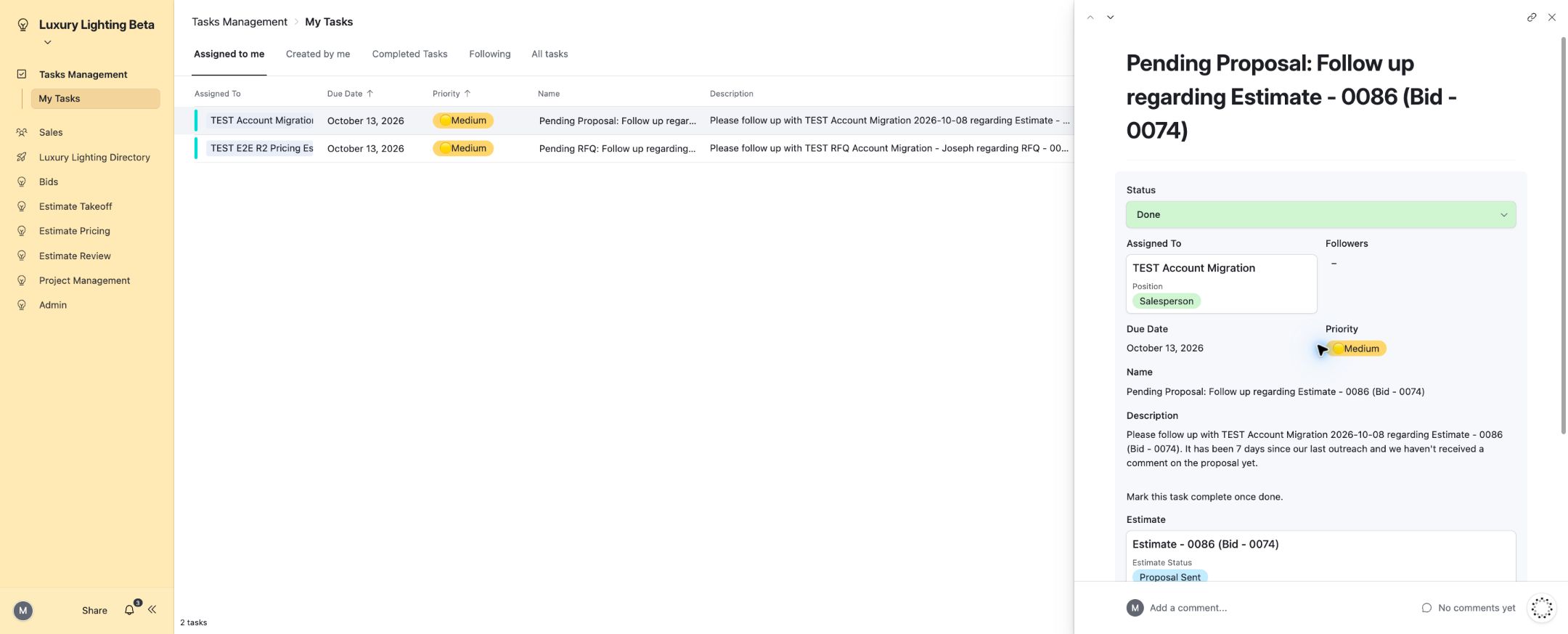
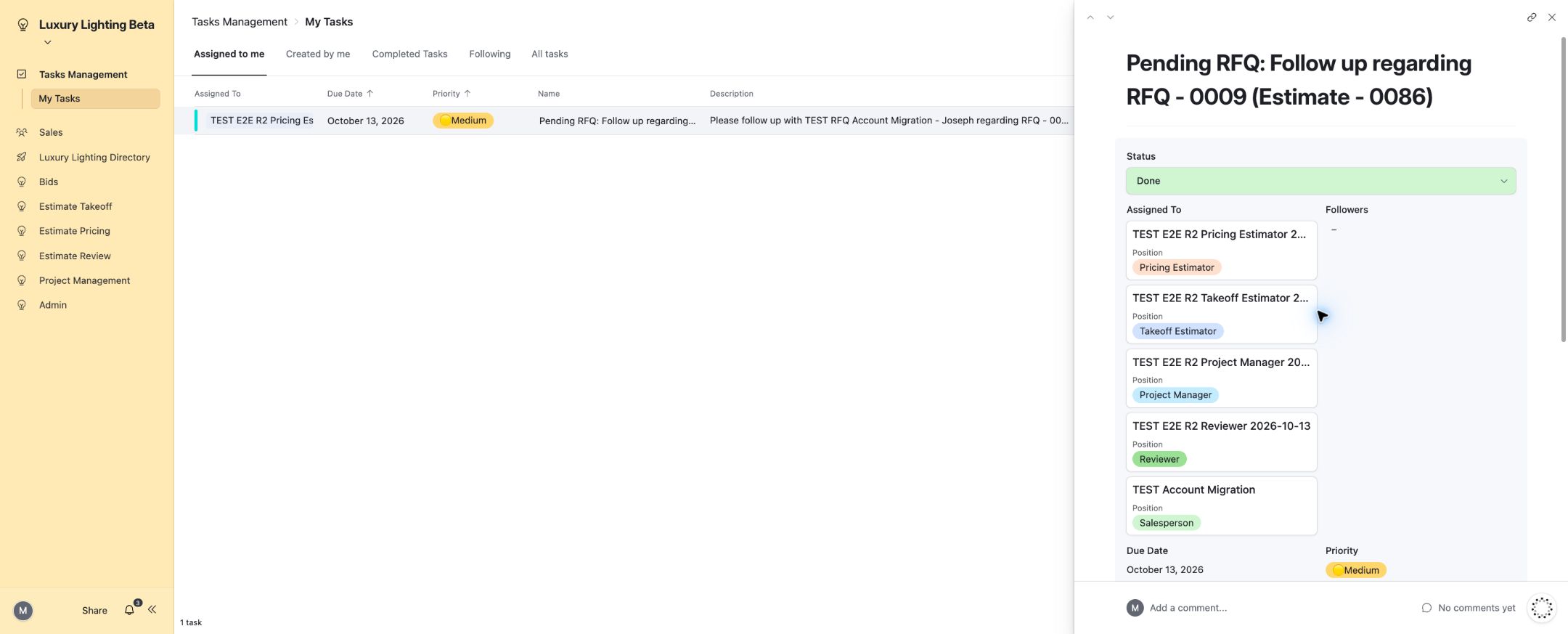
41. RFQ follow-up task completed.
Published interface coverage
The directory below lists the pages covered by the interface walkthrough and workflow tests. A page listing is not a claim that every possible action or staff permission combination on that page was exercised.
| Interface | Page |
|---|---|
| Tasks Management | All Tasks |
| Tasks Management | My Tasks |
| Sales | Sent Proposals |
| Sales | Relationships Hub |
| Sales | Bid Pipeline |
| Sales | My Leads |
| Sales | Sales Dashboard |
| Luxury Lighting Directory | Employee Directory |
| Luxury Lighting Directory | Contacts Directory |
| Luxury Lighting Directory | Companies Directory Page |
| Luxury Lighting Directory | Companies Directory |
| Luxury Lighting Directory | Contact Directory Page |
| Bids | Submit New Bid |
| Bids | Submit New Revision |
| Estimate Takeoff | Takeoff Needed |
| Estimate Pricing | Proposal Needed |
| Estimate Pricing | Manufacturer Pricing & RFQ's |
| Estimate Pricing | Frozen Estimates - Waiting on Proposal |
| Estimate Pricing | Pricing Needed |
| Estimate Pricing | Manufacturer Pricing & RFQ Tracker |
| Estimate Review | Pricing Review Needed |
| Estimate Review | Takeoff Review Needed |
| Project Management | Lead Activity |
| Admin | Add New Employee |
| Project Management | Pricing Needed |
| Project Management | Proposal Needed |